Top 5 Mobile App Builders in 2026 (+ Tips to Choose One)
Explore the best mobile app builders and find the perfect no-code platform for your business needs and skill level. It’s time to transform your ideas into apps.
 November 1, 2024
 10 minute reading
Mobile apps are no longer limited to games like Candy Crush. These days, even small businesses are using it as a channel to engage and retain users long term.
In 2023, popular app stores like Google Play Store and iOS App Store saw 257 billion downloads—showing there’s still demand for such apps. Whether it’s a business app, educational app, or fitness app, there are a lot of growth opportunities when it’s done right.
It all comes down to the type of mobile app you create and the tools you use to create it. Due to the rise in popularity of mobile apps, many no-code and low-code options are available to build the app your business needs.
In this article, we'll review six mobile app builders to help you achieve your business goal. You'll also learn what to look for when making your purchase decision.
Hire a professional mobile app developer on Fiverr

Vetted Pro
I will develop beautiful flutter android and ios mobile apps as a flutter developer
Offers video consultations


I will do website or mobile app development ios app development as flutter developer
Offers video consultations



I will do website or mobile app development ios app development as flutter developer
Offers video consultations








Vetted Pro
Our agency will develop android and ios mobile app using flutter
Offers video consultations

Our agency will be your flutter app developer, mobile app creation, app development
Offers video consultations

Vetted Pro
I will develop android and ios mobile app using flutter
Offers video consultations



Vetted Pro
Our agency will ai mobile app development ios app flutter app react native mobile app developer
Offers video consultations


I will ios app development ios app developer building mobile app mobile app developer
Offers video consultations



Vetted Pro
I will do mobile app development building mobile app ios android mobile app developer
Offers video consultations

Vetted Pro
I will do mobile app development for android and ios app
Offers video consultations



Vetted Pro
I will do custom ai mobile app development using flutter , react native with ai tools
Offers video consultations

I will do mobile app development for ios and android using flutter react native
Offers video consultations


Our agency will do mobile app development, ios app, android app development, flutter developer
Offers video consultations

Our agency will do mobile app development, flutter developer, android app developer
Offers video consultations

Vetted Pro
I will be your flutter app front end developer using mobile app ui ux design
Offers video consultations


Vetted Pro
Our agency will do mobile app development or will be your android app developer
Offers video consultations
Vetted Pro
Our agency will be your flutter app developer for android app development or ios app development
Offers video consultations

Our agency will do mobile app development, ios app, android app creation flutter app developer
Offers video consultations

Vetted Pro
Our agency will do mobile app development ios app android app with react native flutter ai app
Offers video consultations

Vetted Pro
Our agency will do mobile app development and design using flutter or react native, app creation
Offers video consultations

I will be your expert android app developer, customized solutions for your business
Offers video consultations

Vetted Pro
Our agency will do mobile app development android ios with react native expo
Offers video consultations


I will do mobile app development flutter, flutterflow, flutter developer
Offers video consultations








Vetted Pro
I will do ios and android mobile app development with swift and kotlin
Offers video consultations
Vetted Pro
I will do flutter app development for ios and android mobile app
Offers video consultations

Vetted Pro
I will develop flutter, ios app and android mobile app development
Offers video consultations

Vetted Pro
I will build mobile app development, ios app development, android app, app creation
Offers video consultations

I will flutter mobile app development, android app, ios app, as a flutter developer
Offers video consultations


The best mobile app builders in 2025
1. Softr
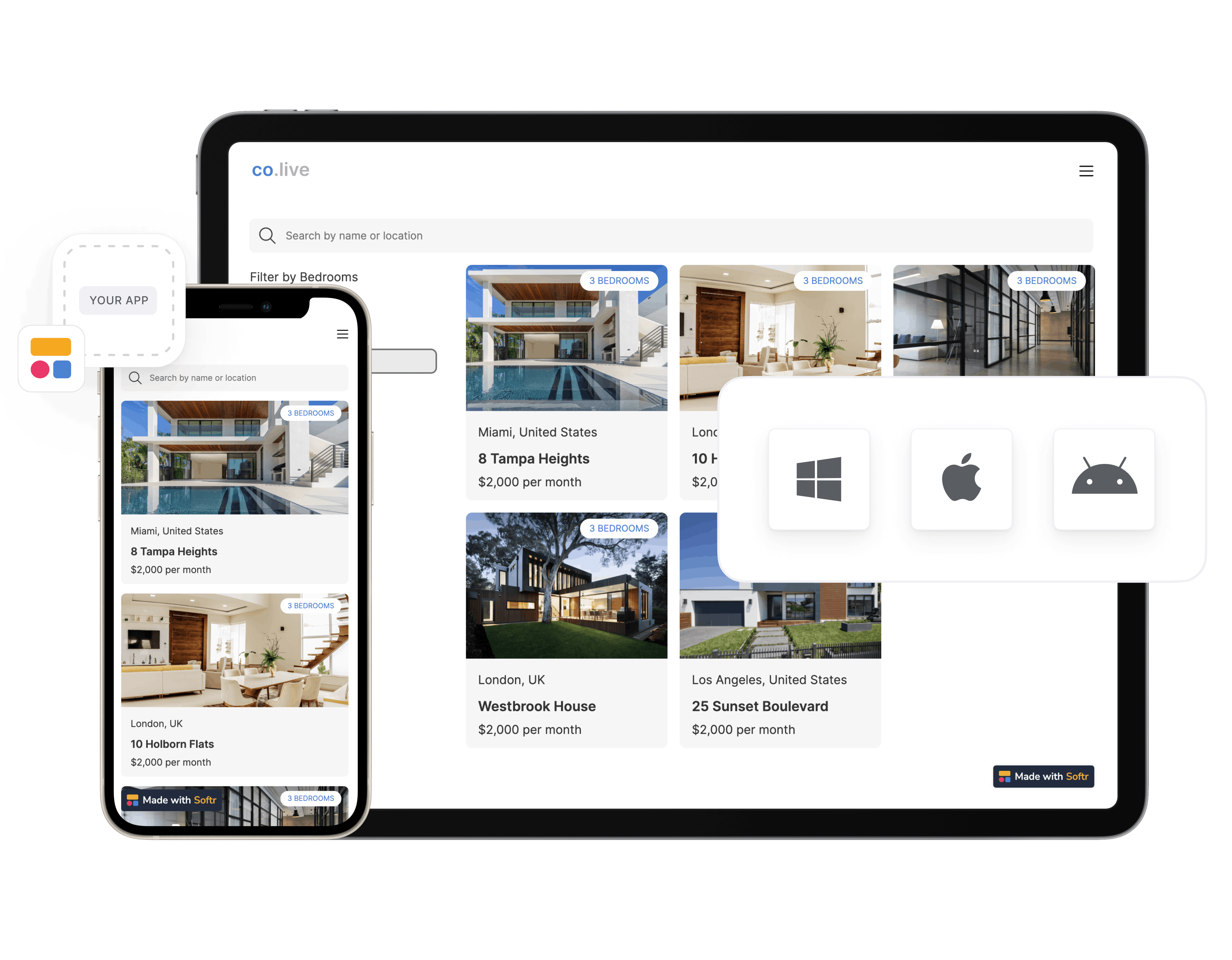
- Interface builder: Turn your data into an interactive layout using its drag-and-drop builder and visualize the app in real time.
- Workflow automation: Connect over 5,000 apps using automation tools like Zapier and Make so you don't have to do repetitive tasks manually.
- Actions: Let users take multiple actions, including CRUD actions (create, update, and delete data) and limit actions based on user type.
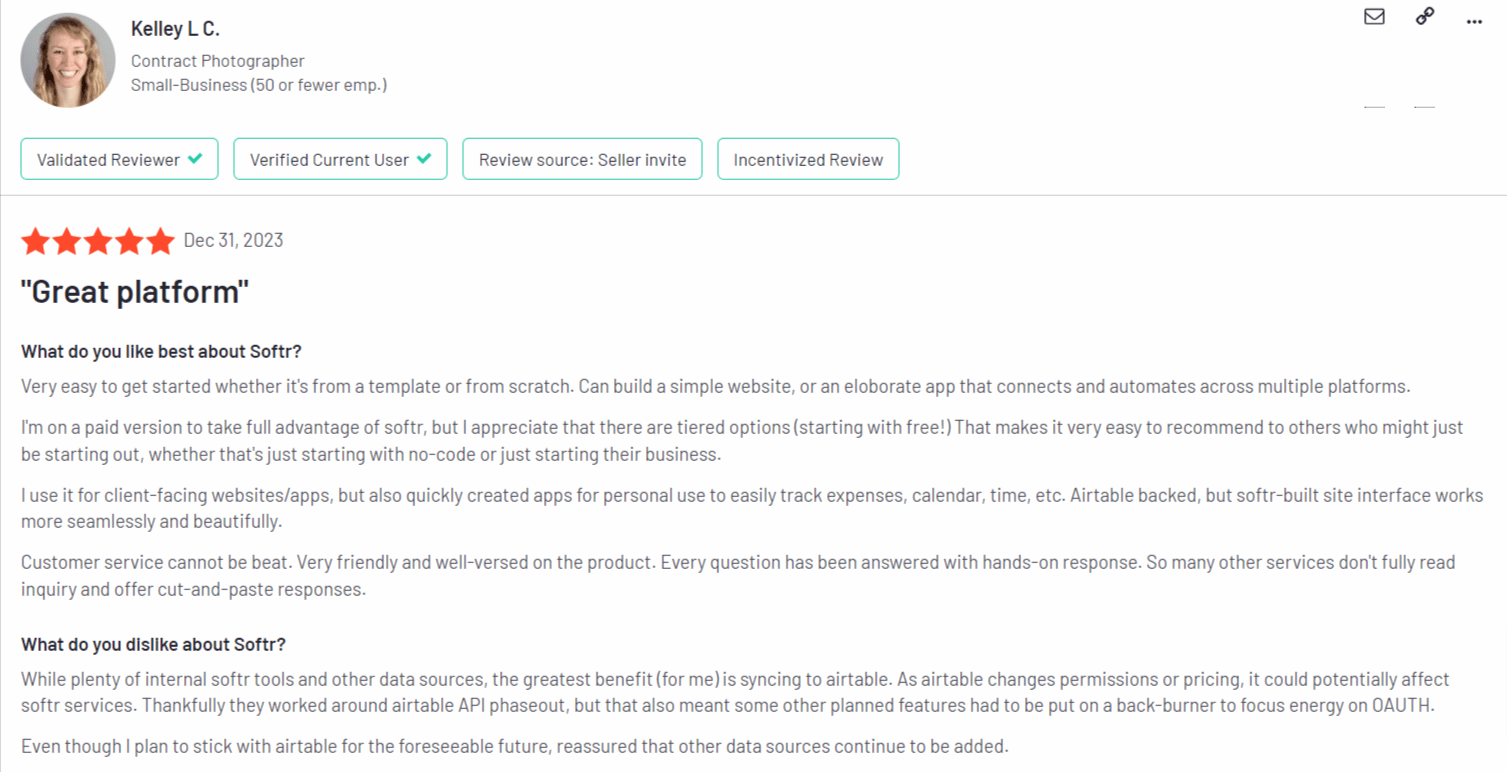
- The platform is easy to learn, minimizing time to development.
- It’s known for its ease of use for beginners.
- The app offers more than 30 templates to start the app-building process.
- Many customers praise the customer support options and how they always received speedy resolution.
- Communication between databases is limited to forms only and misses dynamic functionality like checkboxes.
- Many users have said the user experience of their mobile version needs to be more intuitive.
- Basic: $59 per month for features like custom JavaScript and CSS options.
- Professional: $167 per month for features like 5000 external users limit and Softr branding removal.
- Business: $323 monthly for SMS login and downloadable mobile apps.
- Enterprise: You need to contact them for a quote.
2. Bubble

- Design: You can turn any app design into a fully functional app that works seamlessly on the back end and front end.
- Data: Bubble offers an in-built database that scales with your needs and reduces reliance on third-party database apps.
- Logic: Create custom workflows and events within your app with it and then logic. Additionally, you can turn your app into an API.
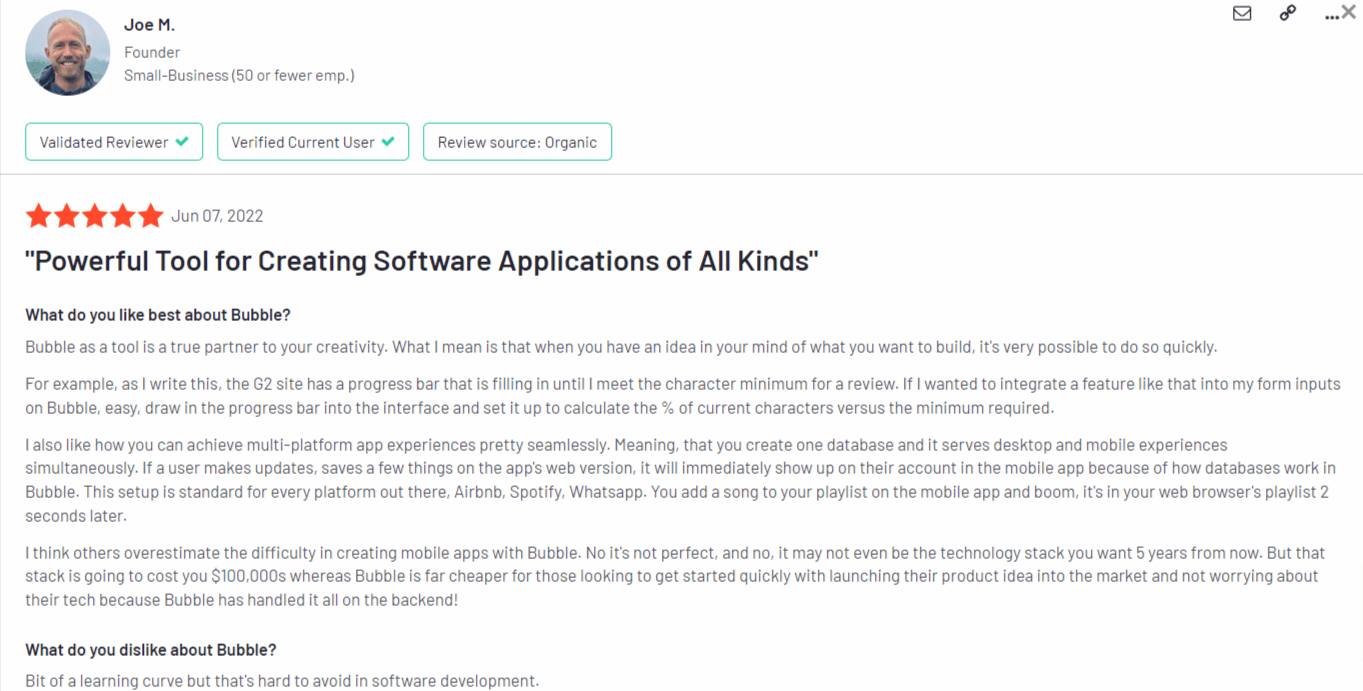
- It offers a full-stack approach, particularly helpful for developers needing scalability.
- It has a built-in debugger, which reduces time spent on doing root cause analysis.
- You don’t have to build multiple interfaces for website and mobile experiences, reducing development time.
- It offers over 40 integrations with platforms like Shopify store and WordPress.
- The app has a steep learning curve and best suits those with development experience.
- The costs can add up quickly and turn into an expensive option for small businesses and individuals.
- Starter: $32 per month for a live app and custom domain.
- Growth: $134 per month for premium version control and two-factor authentication.
- Team: $399 per month for sub-apps and 500,000 load units per month.
- Enterprise: You need to contact them for a quote.
3. Glide
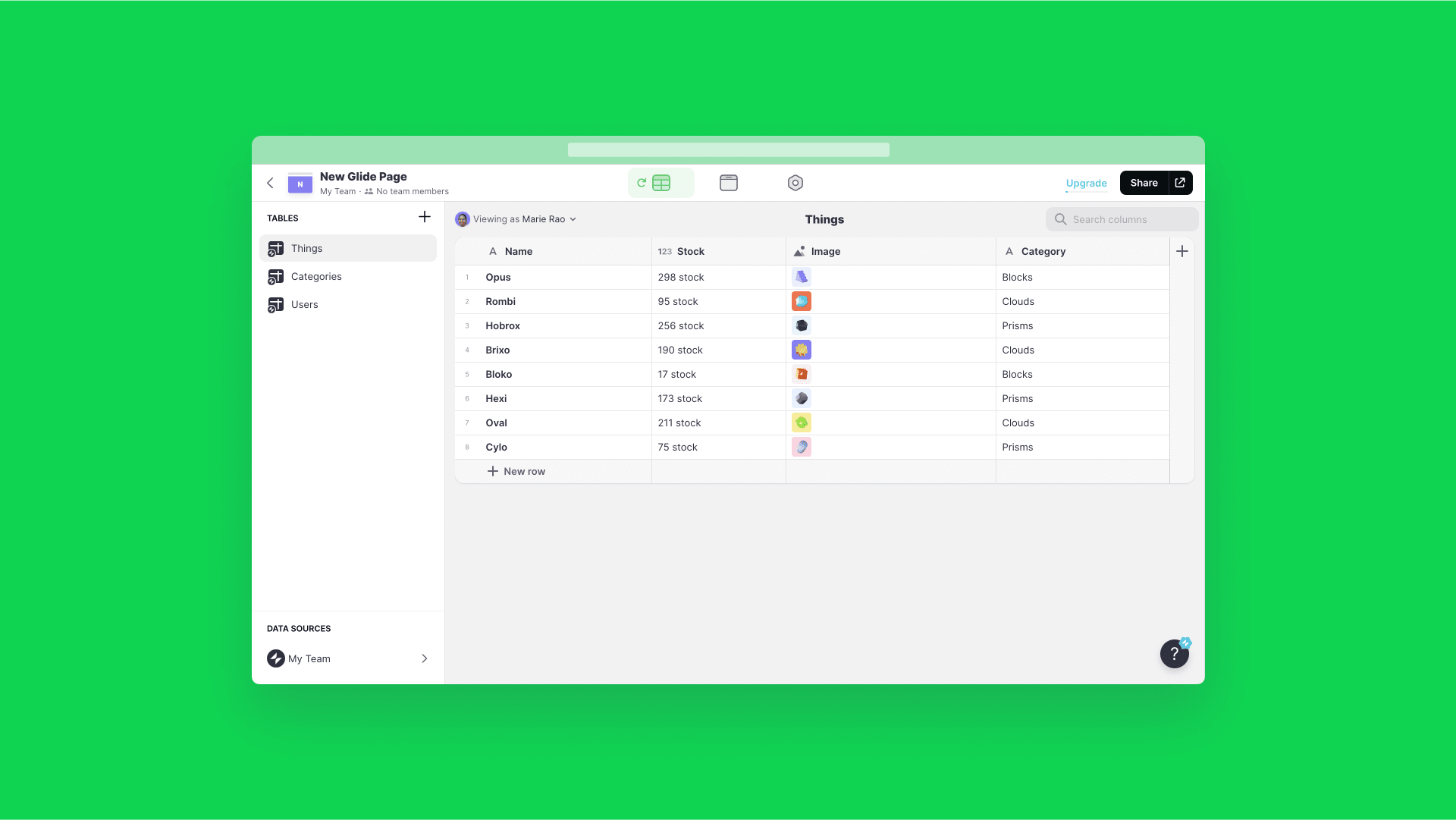
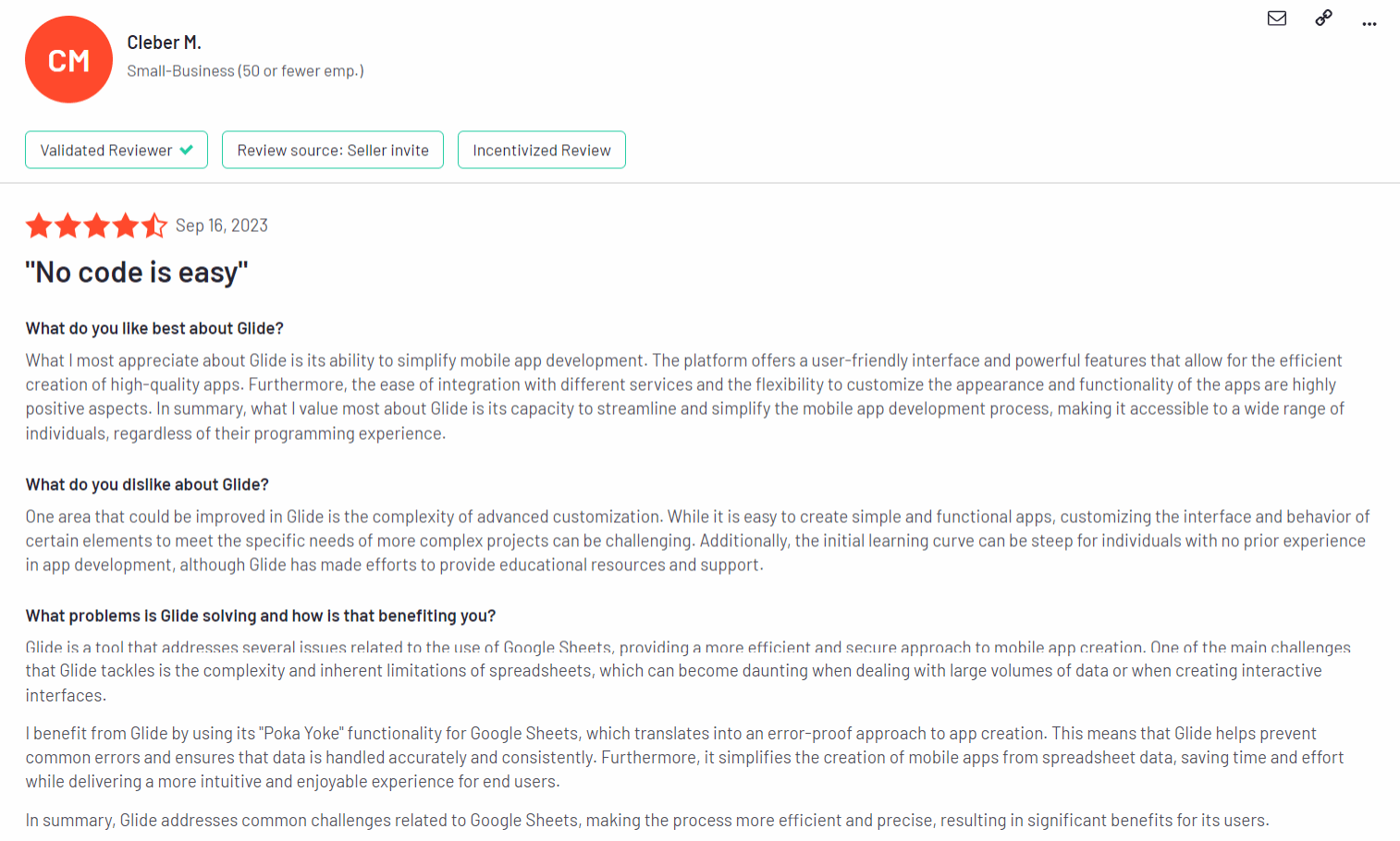
- Apps: Use an existing spreadsheet database to create interfaces, such as portals, directories, and dashboards.
- Glide AI: Access multimodal AI models that optimize the cost and performance of your app without manual intervention.
- Security: Glide is protected using industry-standard security frameworks, such as FedRAMP, ISO 27001, PCI, GDPR, and SOC 2.
- The platform offers a cross-platform functionality where you can create functional native apps on Android and iOS devices.
- The interface is feature-rich if you want to develop and launch mobile-first apps.
- The platform is more scalable than other products in the market, reducing costs associated with working with developers.
- Some users indicated that there may be performance issues like slow load times when the app gets bigger or more complex.
- Limited flexibility in customizing advanced app logic hinders the development process.
- Maker: $60 per month for one published app and AI features (Glide AI).
- Team: $125 per month for unlimited apps, Glide Basic API, and Signature Pad.
- Business: $310 per month for Call API and priority support.
4. Buildfire
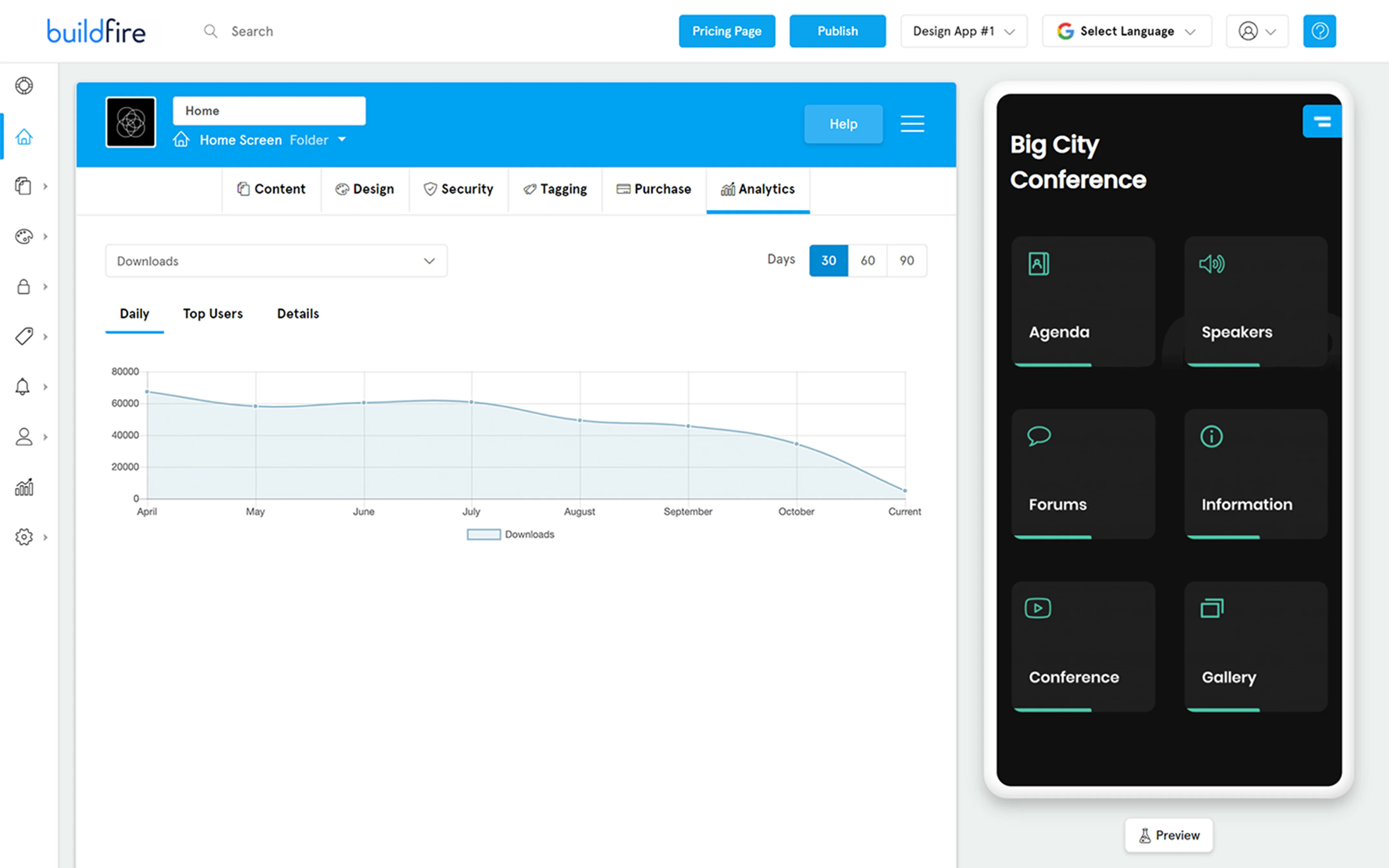
- Interactive emulator: Use the click-and-edit technology to build an app by adding the necessary elements without coding.
- Plugins: Access over 150 plugins, such as Task Manager, YouTube, and Text WYSIWYG.
- Custom functionality: You can build custom app features using the Buildfire software development kit (SDK) on a serverless architecture.
- The app has a user-friendly interface, making it easy to start the development process.
- Many users have complimented the customer service team for their proactiveness and quick resolution.
- The app also offers high-quality cross-platform capabilities, reducing development time.
- The app misses certain nice-to-have features like a plugin for commenting and the ability to email app owners directly.
- The pricing plans are limiting if you create an app for infrequent use, like events.
- There’s no free plan, unlike other products in the market.

- MVP: $100 monthly for up to 50,000 push notifications and 100 app downloads.
- Growth: $189 per month for up to 25,000 app downloads.
- Starter: $349 per month for premium features like drip notification and QR scanner.
- Standard: $499 per month for premium features like One Demand Without Stripe integration and advanced analytics.
5. Google AppSheet
- Connect multiple data source connections (SQL, Excel, etc.)
- Copy an existing sample app
- Use an add-on like Google Forms, Google Sheets, or Microsoft Excel
- Begin using Google’s SPEC, a natural language declarative programming tool
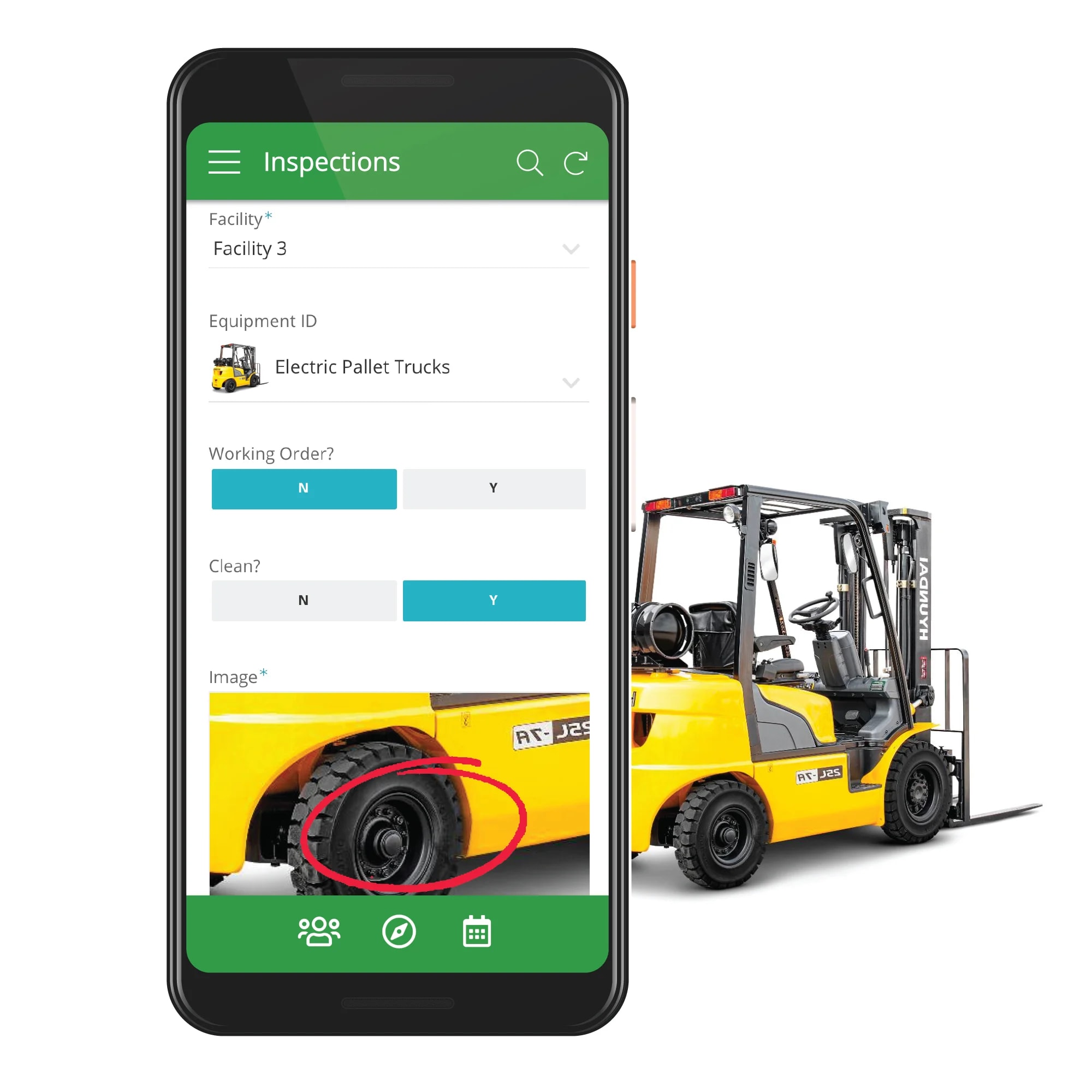
- Duet AI: An AI-powered feature for developers that generates code and code blocks as and when you’re building the application.
- Machine learning modeling: Use machine learning models like intelligent document processing (IDP) and optical character recognition (OCR) to process your documents.
- Google Workspace connectors: Connect to every app in Google Workspace, such as Google Sheets and Google Forms.
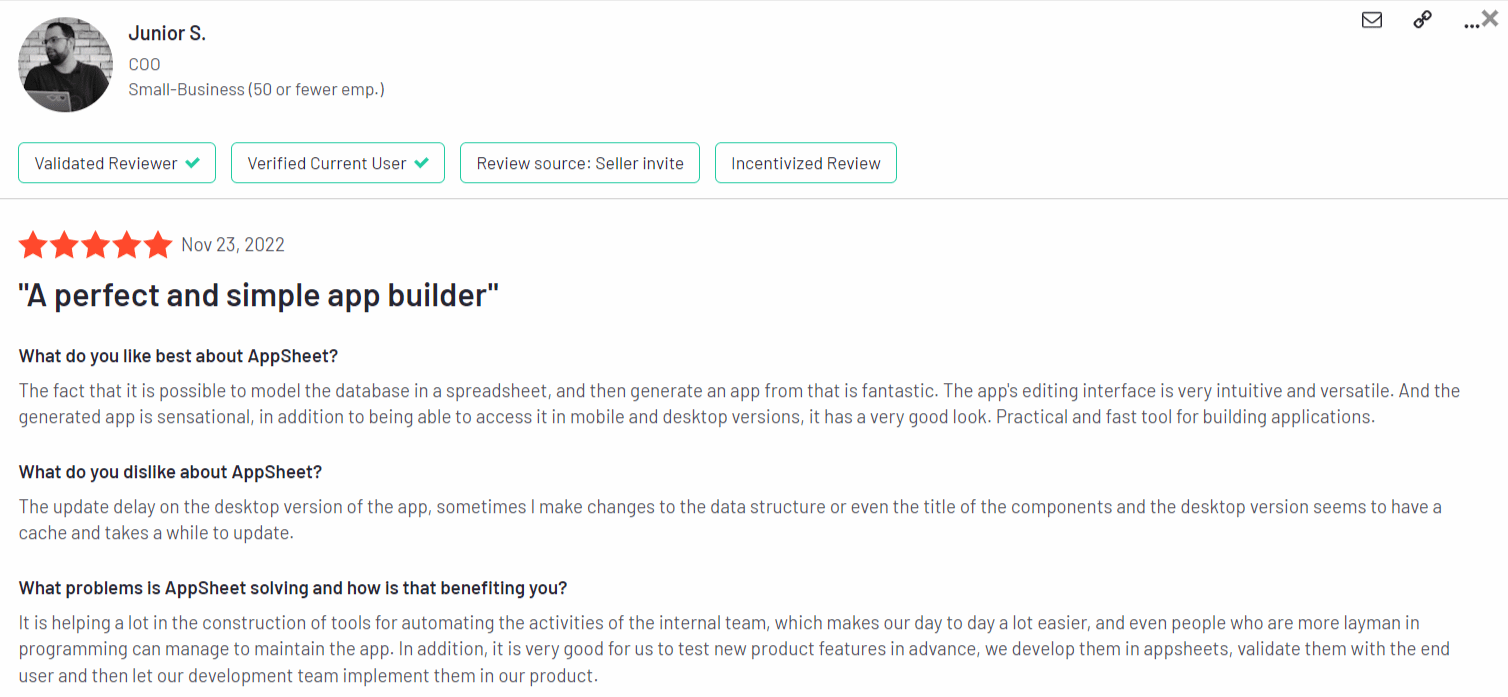
- It lets you create complex apps to bring in and process large amounts of data.
- The user-dependent pricing plan makes it an affordable option for small and large businesses.
- Google offers multiple templates and robust documentation to build your applications.
- There are interoperability issues between different Google Workspace applications, which could hinder data transfer.
- The app has a steep learning curve and is better suited for developers, not non-technical individuals.
- Starter: $5 per user per month for basic application and automation features.
- Core: $10 per user per month for advanced features like security controls and email database.
- Enterprise Standard: You need to contact them for a quote.
- Enterprise Plus: You need to contact them for a quote.
8 things to consider while choosing a native mobile app builder
Type of development
Features
- Is it a low-code or no-code platform?
- Does it have customizable templates?
- What does the user interface look like?
- Does it have drag-and-drop functionality?
Scalability
Cost
Integrations
- Customer relationship management (CRM)
- Payment gateways
- Digital analytics
- Messaging
- Data storage & processing
- Content creation & designing
- Video conferencing
- Automation platforms
Reviews
DIY or outsourcing
Choose the best mobile app builder to pave the way for success
Hire a professional mobile app developer on Fiverr
Vetted Pro
I will develop beautiful flutter android and ios mobile apps as a flutter developer
Offers video consultations
I will do website or mobile app development ios app development as flutter developer
Offers video consultations
I will do website or mobile app development ios app development as flutter developer
Offers video consultations
Vetted Pro
Our agency will develop android and ios mobile app using flutter
Offers video consultations
Our agency will be your flutter app developer, mobile app creation, app development
Offers video consultations
Vetted Pro
I will develop android and ios mobile app using flutter
Offers video consultations
Vetted Pro
Our agency will ai mobile app development ios app flutter app react native mobile app developer
Offers video consultations
I will ios app development ios app developer building mobile app mobile app developer
Offers video consultations
Vetted Pro
I will do mobile app development building mobile app ios android mobile app developer
Offers video consultations
Vetted Pro
I will do mobile app development for android and ios app
Offers video consultations
Vetted Pro
I will do custom ai mobile app development using flutter , react native with ai tools
Offers video consultations
I will do mobile app development for ios and android using flutter react native
Offers video consultations
Our agency will do mobile app development, ios app, android app development, flutter developer
Offers video consultations
Our agency will do mobile app development, flutter developer, android app developer
Offers video consultations
Vetted Pro
I will be your flutter app front end developer using mobile app ui ux design
Offers video consultations
Vetted Pro
Our agency will do mobile app development or will be your android app developer
Offers video consultations
Vetted Pro
Our agency will be your flutter app developer for android app development or ios app development
Offers video consultations
Our agency will do mobile app development, ios app, android app creation flutter app developer
Offers video consultations
Vetted Pro
Our agency will do mobile app development ios app android app with react native flutter ai app
Offers video consultations
Vetted Pro
Our agency will do mobile app development and design using flutter or react native, app creation
Offers video consultations
I will be your expert android app developer, customized solutions for your business
Offers video consultations
Vetted Pro
Our agency will do mobile app development android ios with react native expo
Offers video consultations
I will do mobile app development flutter, flutterflow, flutter developer
Offers video consultations
Vetted Pro
I will do ios and android mobile app development with swift and kotlin
Offers video consultations
Vetted Pro
I will do flutter app development for ios and android mobile app
Offers video consultations
Vetted Pro
I will develop flutter, ios app and android mobile app development
Offers video consultations
Vetted Pro
I will build mobile app development, ios app development, android app, app creation
Offers video consultations
I will flutter mobile app development, android app, ios app, as a flutter developer
Offers video consultations