Browse categories
Explore
Fiverr Pro
English
$
USD
CapCut Expert, Canva Expert, Short Form Video Editor, Reels and Shorts
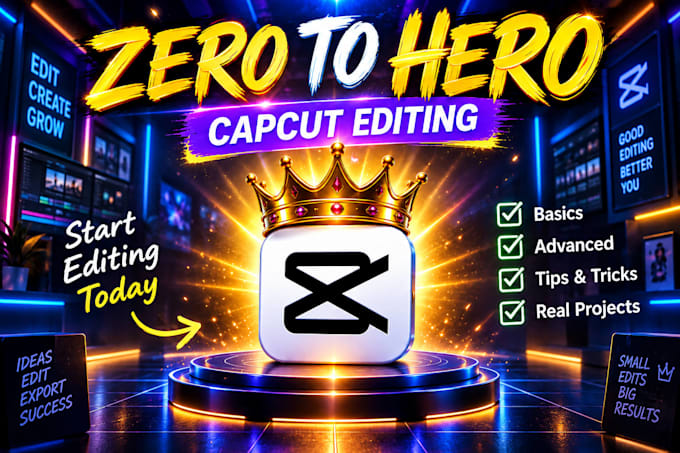
Want to learn CapCut video editing and confidently edit your own videos? I will teach you CapCut step by step, from basic tools to advanced editing techniques with practical guidance.
What you'll learn:
You can learn on CapCut Mobile or PC.
Perfect for beginners, content creators, students, freelancers, and anyone looking to improve their video editing skills.
Book a lesson and start editing with confidence!





Topic:
Video editing
•
Motion graphics
Lesson type:
1:1 lessons
Software:
CapCut
Is this suitable for beginners?
Yes. I teach CapCut step by step, from basic to advanced.
Do you teach CapCut on mobile and PC?
Yes. I teach CapCut on both mobile and PC.
What will I learn?
You will learn editing, captions, effects, transitions, keyframes, audio, and more.
Do you teach Reels and Shorts?
Yes. I teach editing for Reels, YouTube Shorts, and TikTok.
Are the lessons live?
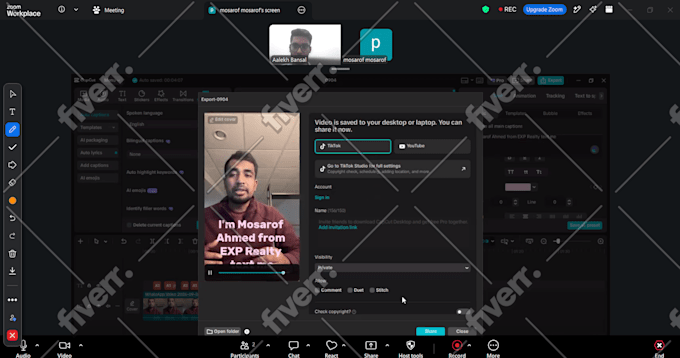
Yes. Lessons are live, interactive, and include practical demonstrations.
| (1) | ||
| (0) | ||
| (0) | ||
| (0) | ||
| (0) |
mosarofpamil22

United States
Amazing job! The quality of the work was excellent, and he understood exactly what I wanted. Very easy to communicate with and delivered everything on time. I’ll definitely work with them again.
$50
Price
2 days
Duration

Seller's Response
| (1) | ||
| (0) | ||
| (0) | ||
| (0) | ||
| (0) |
mosarofpamil22
United States
Amazing job! The quality of the work was excellent, and he understood exactly what I wanted. Very easy to communicate with and delivered everything on time. I’ll definitely work with them again.
$50
Price
2 days
Duration
Seller's Response