Browse categories
Explore
Fiverr Pro
English
$
USD
Certified IT Support, Networking, CCTV Specialist with Professional Experience
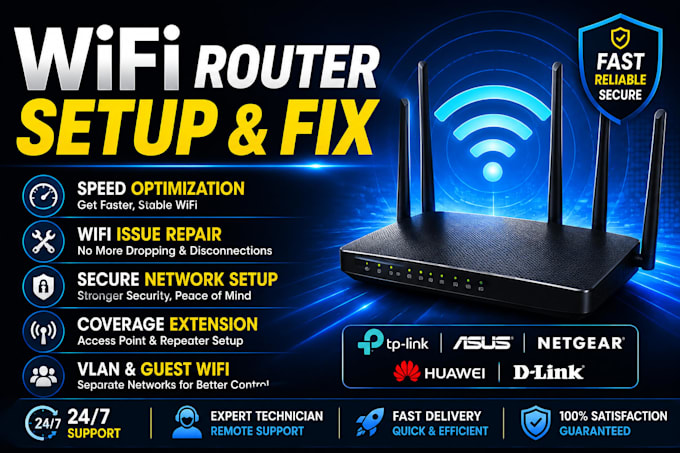
Is your WiFi slow, dropping, or not connecting? Stop struggling! I will fix your network today. Whether you have a home network, small office, hotel, or business, I will remotely solve your WiFi problems fast and permanently.
️️WHAT I WILL DO FOR YOU:
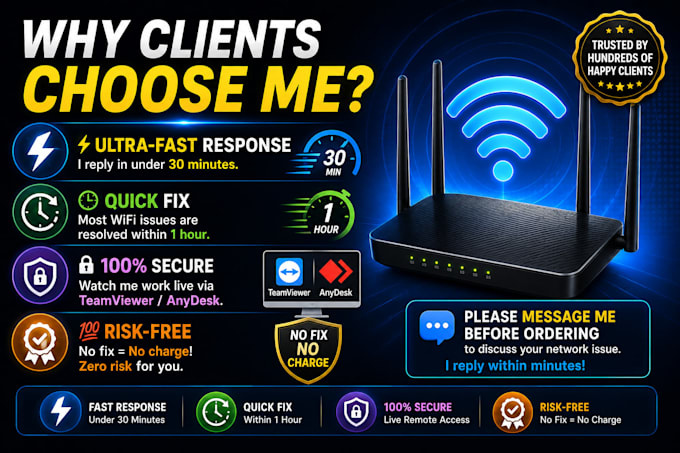
WHY CLIENTS CHOOSE ME?
Please message me before ordering to discuss your network issue. I reply within minutes!


Device:
Desktop
•
Laptop
•
Mobile
•
Router
•
Printer
Operating system:
Windows
•
Android
•
Ubuntu
•
Other
Q: How will you fix my WiFi remotely?
A: I connect to your computer via TeamViewer or AnyDesk — a secure remote access tool. You will be watching everything I do live on your screen. I will then diagnose and fix your WiFi issue directly. You can disconnect me at any moment.
Q: What if you cannot fix my WiFi issue?
A: If I cannot fix your issue after the session, I will offer a full refund or work until it is resolved. I do not close any order until the client confirms the problem is fixed.
Q: Which routers and brands do you support?
A: I support all major brands including TP-Link, Netgear, Asus, D-Link, Huawei, ZTE, Tenda, and more. I also specialize in TP-Link Omada enterprise systems for businesses and hotels.
Q: How long does the WiFi fix take?
A: Most basic WiFi issues are resolved in 30 to 60 minutes. Complex setups like full office WiFi with multiple access points may take 2 to 3 hours depending on the setup.