Browse categories
Explore
Fiverr Pro
English
$
USD


Professional WooCommerce Payment Gateway Setup
Looking for a reliable WooCommerce expert to set up secure online payments on your WordPress store?
You're in the right place!
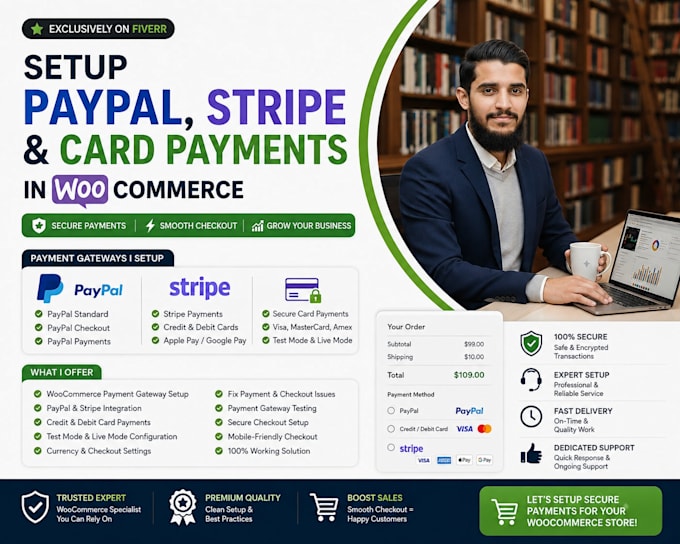
I will professionally configure PayPal, Stripe, and card payment gateways in your WooCommerce store, ensuring a smooth, secure, and user-friendly checkout experience for your customers.
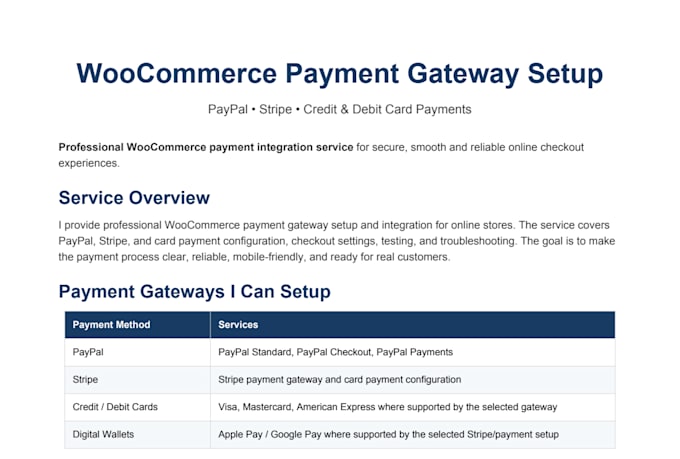
Payment Gateways I Can Setup
What I Can Do
WooCommerce Payment Gateway Setup
PayPal Integration
Stripe Integration
Credit & Debit Card Payments
Secure Checkout Configuration
Test Mode & Live Mode Setup
Currency Configuration
Checkout Page Optimization
Payment Testing
Fix Payment Errors
Resolve Checkout Issues
Mobile-Friendly Checkout
Why Choose Me?
If you're unsure which payment gateway is best for your business, feel free to contact me before placing an order. I'll recommend the most suitable solution based on
Please be aware that it is against Fiverr's policies for sellers to include themes, templates, or any other elements that infringe third-party rights or applicable laws in the delivered work. Read more about in our Guide to Responsible Digital Creation.
Creative WordPress Website Developer , WooCommerce
Languages
Q1: Which payment gateways can you integrate with WooCommerce?
A1: I can integrate PayPal, Stripe, card payments, Apple Pay, Google Pay, and other WooCommerce-supported gateways based on your store needs.
Q2: Do you use official and secure plugins?
A2: Yes, I use official WooCommerce plugins like WooCommerce PayPal Payments and WooCommerce Stripe Gateway for security and reliability.
Q3: Can you setup both PayPal and Stripe together?
A3: Absolutely! I can integrate both gateways so your customers can choose their preferred payment method.
Q4: Do I need an SSL certificate for payment gateways?
A4: Yes, an SSL certificate is required for secure transactions. If you don’t have one, I can guide you on how to set it up.
Q5: Will you configure sandbox (test mode) before going live?
A5: Yes, I always test in sandbox mode first to ensure everything works smoothly before activating live payments.
Q6: Can you fix my existing payment gateway issues?
A6: Yes, I also provide troubleshooting services for payment errors, failed transactions, and checkout issues.
Q7: Do you support recurring or subscription payments?
A7: Yes, I can setup recurring billing and subscriptions if your business requires them.
Q8: Will my WooCommerce store accept international payments?
A8: Yes, both PayPal and Stripe allow you to accept international credit/debit cards and multiple currencies.
Q9: How much time do you need to setup the gateways?
A9: Normally it takes 1–2 days depending on the number of gateways and your store requirements.
Q10: Can you also customize my WooCommerce checkout page?
A10: Yes, I offer custom checkout design and optimization as an extra service.