Browse categories
Explore
Fiverr Pro
English
$
USD
M365, Azure, Network, System Admin, and IT professional
Level 1
Has met certain performance criteria and shows strong potential in the marketplace.
Highly Responsive
Known for exceptionally quick replies
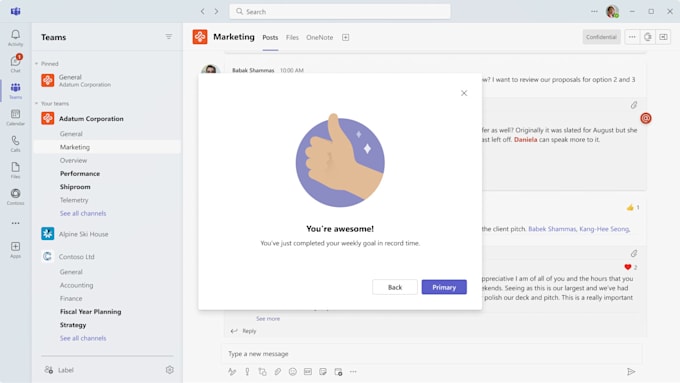
Are you using Microsoft 365 but worried about security?
I will professionally configure your Microsoft 365 tenant for maximum security and performance, following industry best practices.
This GIG includes:
Software type:
Workspace
•
•
Control Panels
•
Other
Will this setup affect my current users or workflow?
No, I design the security setup to integrate smoothly without disrupting your team's work. Any impactful changes (like login prompts from MFA) will be communicated clearly in advance, and I can provide instructions for users.
Do you need full admin access to my Microsoft 365 tenant?
Yes, to perform the configuration properly, I’ll need temporary Global Admin access. After the setup is complete, I will guide you on how to remove or restrict that access safely.
Can you also configure Microsoft Defender or Intune policies for endpoint protection?
Absolutely. Microsoft Defender setup is included in Standard and Premium packages. Intune policies are available as an add-on or can be included in a custom offer.
I'm not a technical person. Will I understand what you've done?
Yes. I provide clear, non-technical summaries and step-by-step guides so you can understand the security improvements made — even if you’re not an IT expert.
I’m not sure which package I need — I don’t really understand all the features.
No problem at all. Just send me a short message about your business and what you're trying to achieve (e.g. secure email, control access, set up Teams, etc.). I’ll suggest the best-fit option and explain it in plain English — no technical jargon.