Browse categories
English
$
USD
Connect to your AI
Bulletproof compliance, clean data, and automated workflows
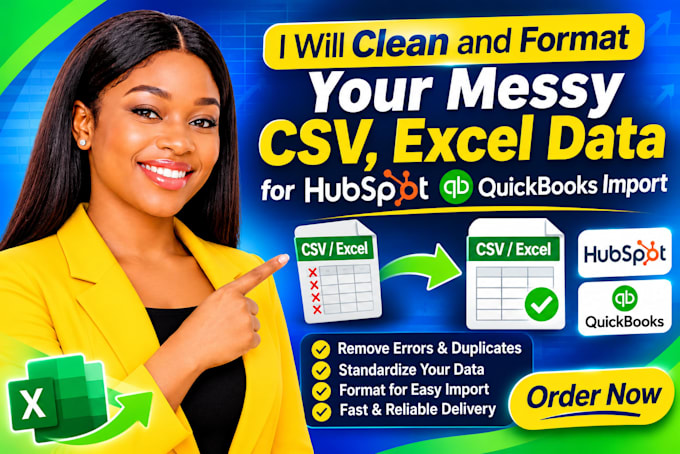
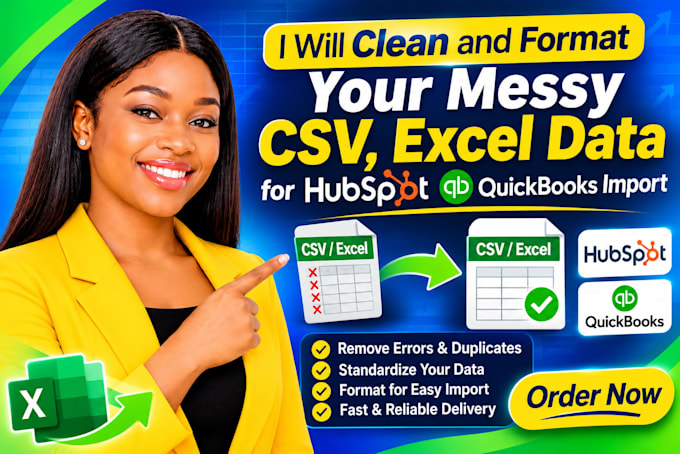
Messy contact lists full of duplicate entries, broken columns, inconsistent phone numbers, and formatting errors will cause your CRM import to fail or corrupt your database.
As an automation and CRM specialist, I will professionally clean, validate, and structure your CSV or Excel data so it uploads seamlessly into HubSpot, QuickBooks, or any other platform without throwing errors.
What I Offer:
Why Work With Me?
Send me your sample file or message me now before ordering so we can review your data structure!



I accept CSV, Excel (.xlsx, .xls), Google Sheets, and export files from legacy CRMs or databases.
What file formats do you accept?
How do you handle duplicate records?
I use advanced matching rules (checking name, email domain, phone number, and company name) to safely merge or flag duplicates so you don't lose vital customer history.
Will my data remain secure and confidential?
Absolutely. Your data is handled with strict confidentiality and is never shared, stored, or used for any other purpose.
Can you import the cleaned file directly into my CRM?
Yes! For the Standard and Premium packages, I can map the columns and assist with or handle the direct import into HubSpot, QuickBooks, or your preferred platform.
What should I do if my list has more than 10,000 rows?
Send me a message with your exact row count and format, and I will create a custom, discounted quote tailored to your project size.