Browse categories
English
$
USD
Connect to your AI
Pipedrive CRM Expert! Sales Pipelines and Automation
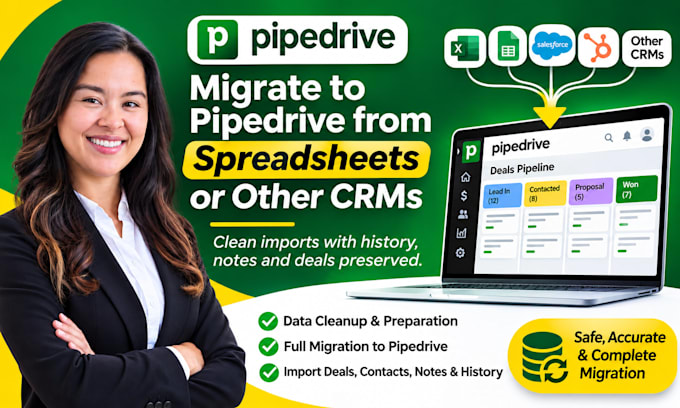
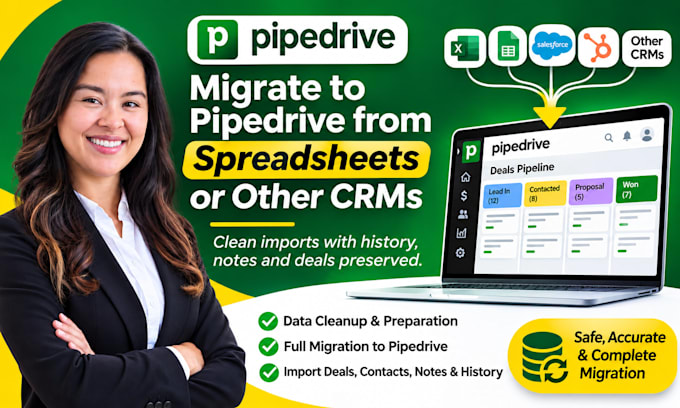
Moving to Pipedrive from spreadsheets or another CRM? I will prepare your data and import it cleanly, keeping your contacts, organizations, deals, notes and history in place.
This Pipedrive data migration service is for teams and individuals who want a tidy start in Pipedrive without manual copy and paste.
What you get:
How it works:
Not included: building automations, email setup, or recreating data that is missing from your export.
Message me before ordering so we can confirm your project details.


Software:
PipeDrive
What data can you import into Pipedrive?
Contacts, organizations, deals, notes and activity history, as long as they exist in your export file. The amount depends on the package you choose.
What do you need from me to start?
Your spreadsheet or CRM export (CSV or XLSX) and access to your Pipedrive account. Please share files and access only through Fiverr’s order system.
How long does delivery take?
Basic takes 2 days, Standard 4 days and Premium 7 days. Large or messy files may need more time, so message me first.
Will you remove duplicates or change my existing data?
I flag and clean obvious duplicates. I will confirm with you before removing anything or changing records already in Pipedrive.
What is not included?
Automations, email or calendar setup, and data missing from your export. History can only be moved if your old system exports it.