Browse categories
Explore
Fiverr Pro
English
$
USD
Excel, VBA Macros, Data Analysis, Python, Scraping, Python Automation
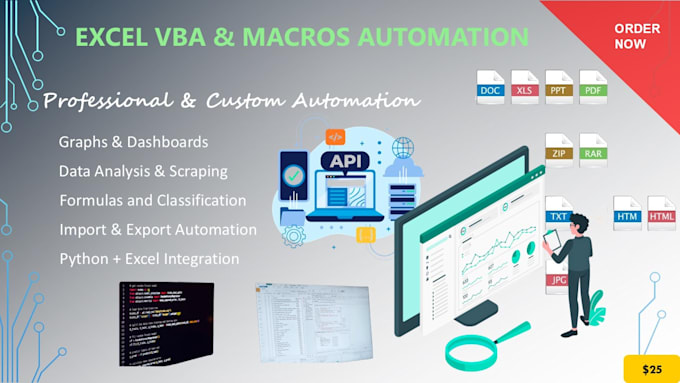
I will automate your Excel tasks using VBA macros and custom forms
Are you tired of doing repetitive tasks in Excel? I can help you automate your workflows with VBA macros that will save you time and effort. Whether it's simple data manipulation or building complex solutions, I offer tailored automation for your needs.
Heres what I can do for you:
Why choose my service?
What I need from you:
Lets work together and automate your Excel tasks today!


Technology:
Excel
•
VBA
Will my data be kept confidential?
Absolutely! I take data privacy and confidentiality very seriously. Any files or information you provide will be treated with the utmost care and will not be shared with anyone. I will only use your data to complete the work as agreed upon, and after the project is finished, all files and data will
What kind of Excel tasks can you automate with VBA?
I can automate a wide range of Excel tasks, including but not limited to: Data entry and formatting Sorting, filtering, and organizing data Generating reports and charts automatically Sending emails through Outlook Creating custom forms and buttons for better user experience
Will you provide the source code of the macros?
Yes! I always provide the source code for the macros I create, so you can reuse or modify it as needed. I make sure the code is well-commented for easy understanding.
How long will it take to complete my project?
The delivery time depends on the complexity of your project: Basic tasks (simple macros): Usually 1-2 days. Advanced tasks (custom forms or complex automation): Typically 3-5 days. If you need urgent work, I can offer expedited delivery for an additional fee.
Do you offer revisions?
Yes, I offer 1-3 revisions depending on the package you select. For the Premium package, I offer unlimited revisions to ensure you are completely satisfied with the final result.
What do you need from me to get started?
Answer: To get started, I need: A brief description of your task or problem An example of your Excel file (if applicable) Any specific instructions or requirements you may have for the automation
Can you integrate Excel with other software or systems?
Yes, I can help with API integration or connect Excel with other software and services, such as Google Sheets, or databases like MySQL and SQL Server. Please let me know what systems you need to connect, and I will tailor the solution accordingly.
Can you automate Excel tasks that involve macros and external data sources?
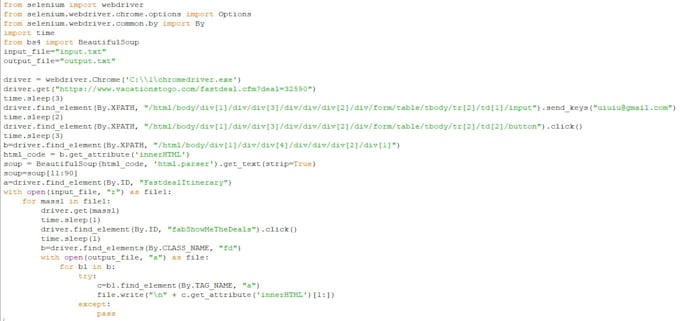
Yes! I can automate Excel tasks that require external data sources, such as pulling data from websites, databases, or APIs. I can integrate these data sources into your Excel macros for a fully automated solution.
What happens if I need a feature added after the project is finished?
If you need any additional features after the project is completed, you can contact me to discuss the updates. Depending on the scope of the request, I’ll provide you with a quote and an estimated time for completion.