Browse categories
English
$
USD
Connect to your AI

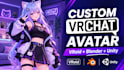
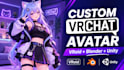
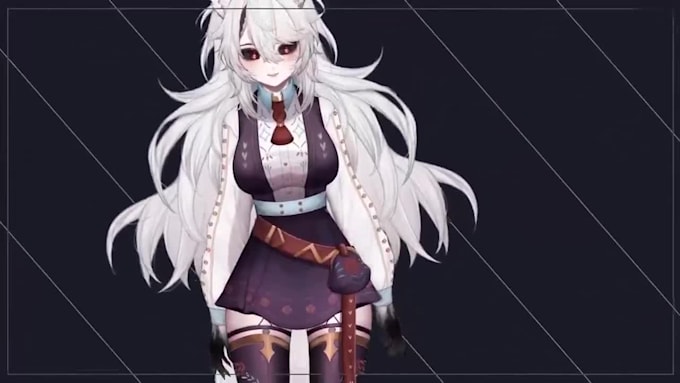
Most VRChat avatars that look broken in-world fail on the boring stuff: unmapped visemes, PhysBones fighting each other, or a 120k-poly mesh ranked Very Poor and hidden by default. I build custom anime avatars in VRoid Studio and Blender, then rig and optimize them for VRChat and VTuber streaming. You get a model that tracks cleanly and uploads without errors.
What I Will Provide:
Custom VRoid base built from your reference
Blender cleanup, texture edits and custom outfits
Visemes, eye tracking and blink blendshapes
PhysBones for hair, tails, ears and clothing
Expression menu and toggles via VRCFury or SDK3
Unity project, FBX and VRM exports
Why Choose Me:
I test every avatar in-game against VRChat performance ranks, not just in the Unity preview. Quest builds get real decimation and texture atlasing, not just a mobile shader swap.
Let's Get Started:
Send your character references, target platform (PC, Quest, or both), and any outfit or toggle ideas. I'll confirm scope before you order.
You must have full rights and authorization to use the voices involved in your custom AI voices service. Do not use voices for any unlawful, fraudulent, or fake purposes. Read more about AI Services at Fiverr.
3D Character Artist
Languages
What performance rank will my VRChat avatar get?
Standard PC builds typically land in Good or Medium depending on toggles and outfit layers. Quest builds are decimated and atlased to meet Quest limits, and I report the final rank before delivery.
Can I use the same model for VRChat and VTuber streaming?
Yes. I deliver a VRM export for VSeeFace, Warudo, or VTube setups alongside the VRChat Unity package, using the same rig and blendshapes.
Do I need Unity installed or any technical knowledge?
Not if you choose upload to your account. Otherwise you get a ready Unity project set up with the VRChat Creator Companion, plus short upload steps