Browse categories
English
$
USD
Connect to your AI
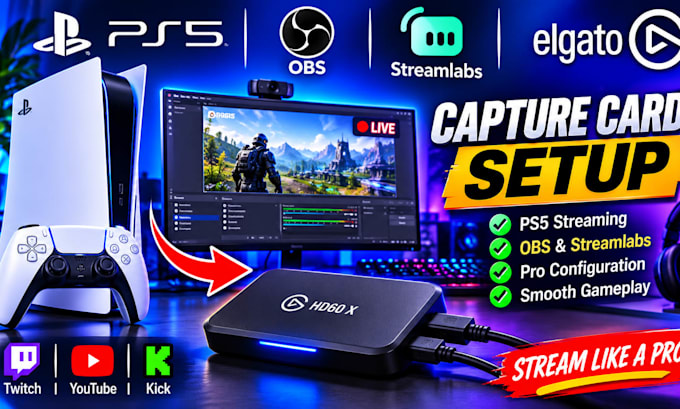
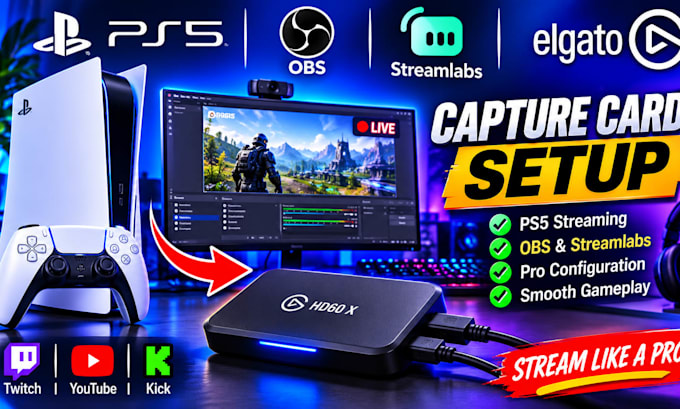
Are you having trouble setting up your Elgato capture card for gaming or live streaming?
I will help you configure your Elgato capture card with OBS Studio, Streamlabs and your gaming console for a smooth and professional streaming experience.
MY SERVICES INCLUDE:
WHY CHOOSE ME?
I provide professional, reliable and beginner-friendly streaming setup services tailored to your equipment and needs.
Whether you are a beginner or an experienced content creator, I can help you get your streaming setup working properly.
PLEASE CONTACT ME BEFORE ORDERING to discuss your capture card model and setup requirements.
Let's get your stream ready!
Software:
OBS studio
Which Elgato capture cards do you support?
Elgato HD60 X, HD60 S+, 4K X and other compatible models.
Can you connect Elgato to OBS Studio?
Yes, I can configure your capture card as a video source in OBS.
Do you support Streamlabs?
Yes, I can configure Elgato with Streamlabs Desktop.
Can you set up PS5 and Xbox?
Yes, I support compatible PS5, Xbox and Nintendo Switch capture workflows.
Can you fix black screen and audio problems?
Yes, I can troubleshoot common video, audio and connection issues.
Do I need to own an Elgato capture card?
Yes, you should have your capture card and the necessary cables before setup.