Browse categories
English
$
USD
Connect to your AI
Computer Science Student, IT Support Technician
Most Microsoft 365 breaches start with a stolen password. I'll lock down your tenant with MFA and best-practice Conditional Access, without locking your team out.
I work as an onboarding/offboarding engineer at a managed service provider, enrolling users in MFA and managing access across 50+ business tenants every day.
WHAT I DO
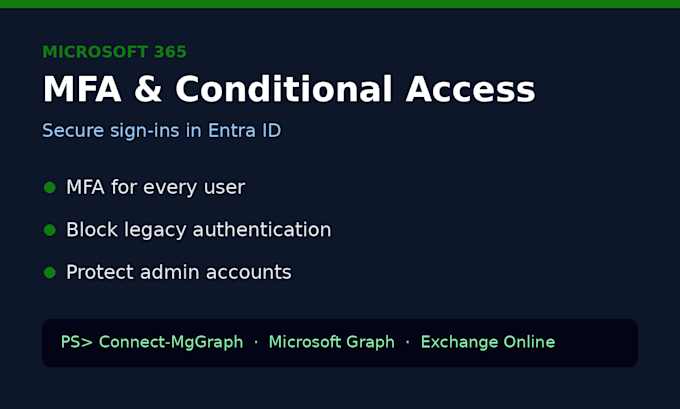
- Turn on MFA for every user and help staff register their methods
- Block legacy authentication (the most common way MFA is bypassed)
- Protect admin accounts with stronger sign-in rules
- Create an emergency break-glass admin account so you are never locked out
- Location-based rules if you only work from certain countries
- Test every policy in report-only mode before switching it on
WHAT YOU GET
- A safer tenant with no surprise lockouts
- A short written summary of every setting I changed and why
Note: Conditional Access needs Entra ID P1, which is included in Microsoft 365 Business Premium and E3/E5. If you only have Business Basic or Standard, the Basic package (Security Defaults) is the right choice.
Please message me before ordering with your licence type and number of users.
Device:
Desktop
•
Laptop
•
Server
Operating system:
Windows
Will my staff get locked out?
No. I test every Conditional Access policy in report-only mode first, exclude an emergency admin account, and only switch policies on after we check the sign-in logs together.
