Browse categories
Explore
Fiverr Pro
English
$
USD
Is your gaming PC not performing as well as it should?
I will analyze and optimize your PC for better FPS, smoother gameplay and lower unnecessary latency.
WHAT I CAN OPTIMIZE:
Windows gaming settings
GPU settings
Game settings
Startup and background applications
FPS stability
Stuttering and performance issues
Input-lag related settings
Network settings that can affect gaming
CPU/GPU/RAM configuration
YOU'LL GET:
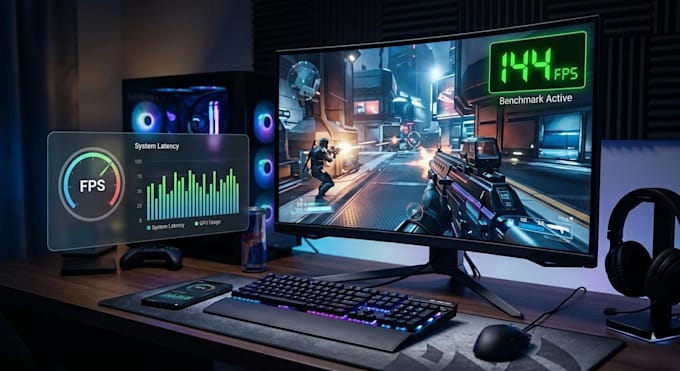
A performance check before optimization
Customized settings based on your hardware
Optimization of your selected game
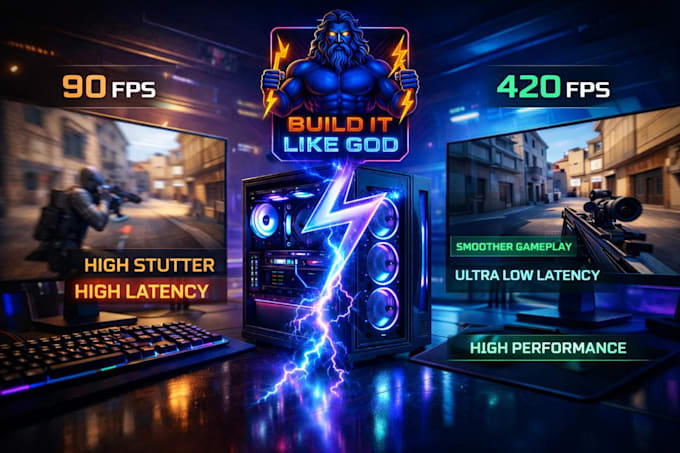
Before/after performance comparison
An explanation of the changes I make
I don't use a one-size-fits-all "FPS boost" script. I check your actual hardware and configure the system accordingly.
Especially useful for competitive games such as Fortnite, Valorant, Rocket League and other FPS games.
️ Performance improvements depend on your hardware and the problems affecting your PC. I don't promise a specific FPS increase before diagnosing the system.



Device:
Desktop
Operating system:
Windows
What information do you need to optimize my PC?
Please provide your CPU, GPU, RAM, Windows version, and the games you want optimized. Tell me about any FPS drops, stuttering, or latency issues you're experiencing.
Will you guarantee an FPS increase?
No specific FPS increase can be guaranteed because results depend on your hardware and current configuration. I'll identify potential improvements and compare performance before and after optimization whenever possible. Copy Q&A
Do you optimize Fortnite and other competitive games?
Yes! I can help optimize Fortnite, Valorant, Rocket League, and other games, depending on your package and the issue. Copy Q&A
Do I need to give you remote access to my PC?
Not necessarily. Many optimizations can be completed through guided instructions. If remote access is needed, we'll agree on a suitable method first.
Can you fix stuttering and low FPS?
I'll investigate common causes, including background processes, game settings, drivers, and hardware bottlenecks, then recommend appropriate changes. Some hardware or software issues may require separate repairs.