Browse categories
Explore
Fiverr Pro
English
$
USD
Install VMware, CentOS Stream 9, CWP Latest, WHMCS and 2 Website Migration Manually.
1. Configure Network components like router.
2. Install a Linux server on my home PC using VirtualBox (Ubuntu or Red Hat).
3. Install VMware.
4. Set up the server and configure important settings like IP and security.
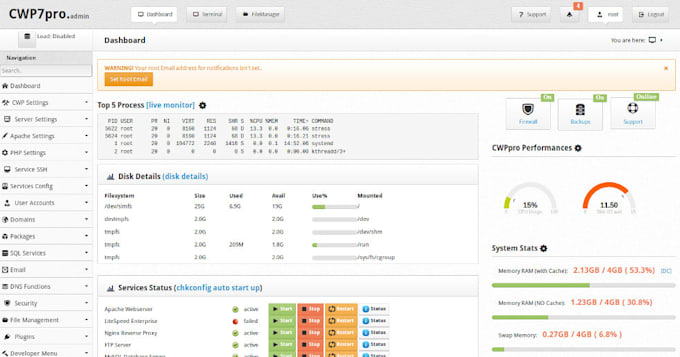
5. Install CWP as the hosting server.
6. Fully set up CWP.
7. Set up the server for email.
8. Restore my site from the old company to my new host.
9. Set up two email accounts on my new host.
10. Install and fully set up WHMCS on the host domain.
11. Install CWP Module in WHMCS.
12. WHMCS Security Configuration.
13. Install and configure Auto SSL.
14. Force all server and website and WHMCS to use SSL.
15. Configure outlook for email.

Operating system:
Windows
•
Linux