Browse categories
Explore
Fiverr Pro
English
$
USD
OBS Stream Audio and Routing Setup for Creators
Struggling with OBS lag, poor stream quality, audio problems, dropped frames, black screens, or confusing settings?
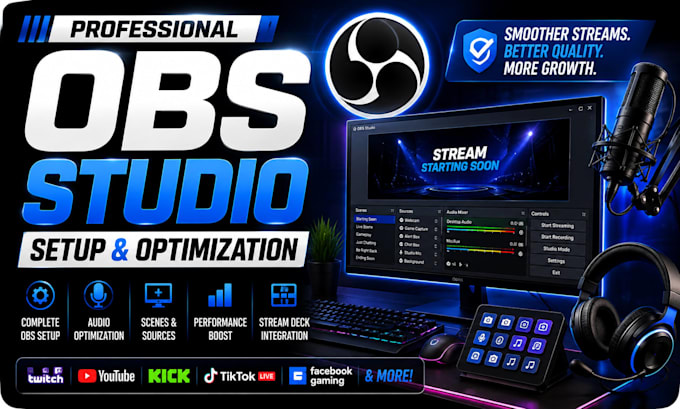
I will professionally set up, troubleshoot, and optimize OBS Studio for smooth livestreaming and high-quality recording.
Whether you use Twitch, YouTube, Kick, TikTok LIVE, Facebook, or another platform, Ill configure OBS around your PC, internet connection, equipment, and workflow.
What I can help with:
Youll receive a stable OBS workflow designed around your equipment, with settings that are easy to manage after the setup is complete.
Please message me before ordering with your PC specs, streaming platform, equipment, and the issue or setup you need so I can recommend the correct package.

Software:
OBS Studio
Platform:
•
Twitch
•
YouTube
•
Kick
Purpose:
Gaming
•
Music
•
Lifestyle
•
Business
•
News
1. Can you help me if I am completely new to OBS Studio?
Yes. You do not need any previous OBS experience. I can configure the setup for you and explain the important controls so you can confidently use it afterward.
2. Can you fix lag, dropped frames, freezing, or poor stream quality?
Yes. I can review your OBS settings, encoder, bitrate, resolution, FPS, internet connection, and hardware to identify what is causing the problem and optimize the setup accordingly.
3. Can you fix OBS audio, echo, delay, or sync problems?
Yes. I can troubleshoot microphone audio, desktop sound, duplicate audio, echo, monitoring, routing, and audio/video synchronization issues.
4. Will you optimize OBS specifically for my PC and internet?
Yes. Your settings will be configured around your actual computer hardware, internet upload speed, streaming platform, and the type of content you create rather than using generic settings.
6. Can you connect my webcam, capture card, microphone, or console?
Yes. I can help configure compatible webcams, microphones, capture cards, gaming consoles, cameras, and other streaming equipment within your OBS workflow.
7. Can you add my existing overlays, alerts, chat, and browser sources?
Yes. If you already have stream graphics or alert services, I can integrate them into OBS and organize your scenes and sources properly.
8. How is the OBS setup completed remotely?
The setup can be completed through a secure remote session while you remain present and in control of your computer. You do not need to provide your private account passwords.
9. What happens if my PC cannot support the stream quality I want?
I will recommend settings that realistically match your hardware and internet connection. If your desired quality is limited by the equipment, I will explain the limitation and suggest the best practical configuration.
10. What should I send you before ordering?
Please send your PC specifications, streaming or recording platform, equipment you use, and a short explanation of the problem or setup you need. I will then recommend the most suitable package.
