Browse categories
Explore
Fiverr Pro
English
$
USD



Your teams spends hours copying data between spreadsheets, emails and project tool.
Deadlines slip because a follow up got missed, a tracker didn't update or a report never got pulled before a meeting. You started a business to grow it not to manage tasks by hand every day.
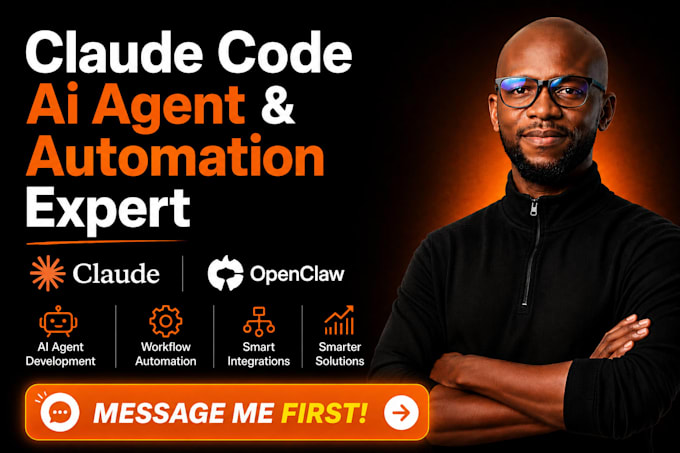
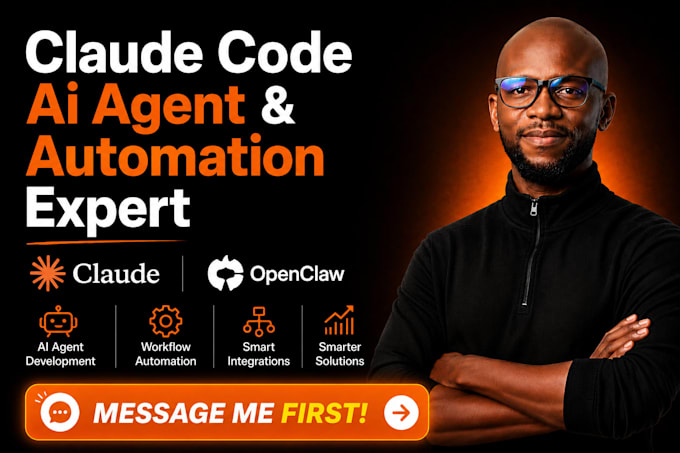
I build automation using Claude Code, AI agents and MCP servers that connect to the tools you already use: Gmail, Slack, Notion, databases, spreadsheets. Agents handle research, data entry, reporting, and follow ups so you don't have to.
I deploy through Docker so the system runs on its own server, restarts on failure and behaves the same way every time. It doesn't depend on my laptop or a script that only runs once.
What you get:
If your business runs on repeat manual steps research, reporting, followups, moving data between tools I turn that into a system that runs on its own.
Message me your workflow and I'll tell you exactly what can be automated.
AI Saas Developer
Languages
Do I need to know how to code?
No. You tell me the workflow, I build and deploy it. You just use it.
What's the difference between Basic and Standard?
Basic sets up one agent you run manually. Standard connects multiple agents into a system that runs on its own, on a server, with documentation and support included. Most clients need Standard from the start
What tools can this connect to?
Gmail, Outlook, Slack, Notion, Google Sheets, Airtable, CRMs, databases, and most tools with an API or MCP server. Tell me your stack before ordering and I'll confirm compatibility.
Why does it need Docker?
Without it, the automation only runs while a script is open on someone's laptop. Docker puts it on a server so it keeps running, restarts on its own if it crashes, and doesn't depend on any one device.
Will I be able to make changes later without you?
Yes. Standard and Premium include documentation, so your team can adjust triggers, wording, or connected tools without hiring a developer each time.
What if my workflow doesn't fit these packages exactly?
Message me before ordering. Most workflows fit inside Standard; some need Premium. I'll tell you which one before you pay.
How fast can this go live?
Basic: 3 days. Standard: 7 days. Premium: 14 days. Timelines depend on how many tools need to connect.
What happens after delivery?
Standard includes 7 days of support, Premium includes 30 days plus one added workflow. Basic has no post-delivery support — this is why most clients choose Standard.
Is my data safe?
Yes. Connections use official APIs and MCP servers with permission-based access. I don't store or reuse your data outside the project.
What do you need from me to start?
A short description of your workflow and which tools you use. I'll confirm scope and package before work begins.