Browse categories
Explore
Fiverr Pro
English
$
USD

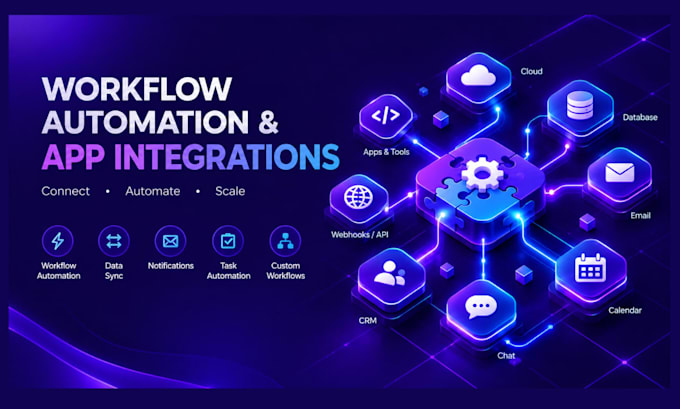

Stop wasting hours every day on manual, repetitive administrative tasks. It is time to automate your business operations and scale your efficiency!
I will design, build, and deploy powerful custom workflow automations using Make.com (formerly Integromat) and Zapier. I connect your favorite software tools together so they share data automaticallyeliminating human error and freeing up your valua
ble time.
From simple data entry tasks to complex, multi-step AI-powered processing workflows, I build systems that work for you 24/7.
WHAT I CAN DO FOR YOU:
WHY WORK WITH ME?
Smart AI and Workflow Automations
Languages
Will I have to pay for Make.com or Zapier accounts?
Yes, you will need to provide your own Make.com or Zapier account. Make.com offers a generous free tier that handles up to 1,000 operations per month, which is perfect for testing and light workflows.
Can you build automations using my standard Gmail or Outlook account?
For automated systems, it is highly recommended to use a Google Workspace (business Gmail) or Microsoft 365 business email. Standard free @gmail.com accounts have strict security restrictions that can sometimes block external automation tools.
What happens if an automation encounters an error or breaks later on?
I build robust "error handling" directly into the Standard and Premium workflows. This means if an external app goes down temporarily, the system will pause and retry instead of breaking silently. I also test all workflows thoroughly before handover.
Is my business data safe during this integration process?
Absolutely. I only use official, encrypted APIs to pass data between your apps. I will never store, share, or misuse your business information, and you can change your software passwords immediately after the project is completed.
