Browse categories
Explore
Fiverr Pro
English
$
USD




I was tired of repeating the same tasks on my iPhone every day. My new Shortcuts made reminders, alerts, and daily routines easier to manage.
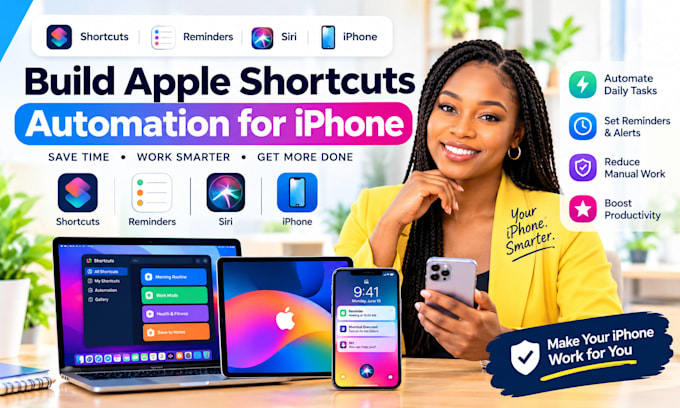
Make Your iPhone Work Smarter with Apple Shortcuts
Repetitive taps, forgotten reminders, and time-consuming routines can slow you down. I create practical iPhone automations using Apple Shortcuts and Siri.
WHAT I CAN DO FOR YOU
Message me with your idea or order now!
I'M AVAILABLE TO GET STARTED ON YOUR PROJECT RIGHT NOW IF YOU REACH OUT: I respond in seconds. If you have any question(s), check out my FAQs section below.
Expert
Languages
What is Apple Shortcuts automation?
Apple Shortcuts lets you combine actions from supported apps into a workflow that runs manually, through Siri, or automatically when supported triggers occur.
Can you create custom Siri commands?
Yes. I can create shortcuts that you can launch using a chosen name with Siri, subject to your device settings and supported actions.
Can you automate reminders and alerts?
Yes. I can build workflows for reminders, notifications, calendar events, and recurring routines where supported by iOS.
Can shortcuts run automatically?
Some automations can run automatically, while others may require confirmation or interaction. This depends on the trigger, iOS version, privacy permissions, and action involved.
Can you connect Apple Shortcuts to other apps?
Yes. I can connect supported apps using built-in Shortcuts actions, share sheets, URLs, and available integrations. Apps without suitable support may need a workaround.
Can you create location-based automations?
Yes. Examples include reminders when arriving at or leaving a location. These depend on location permissions and the available automation triggers.
What do you need before starting?
Tell me your iPhone model, iOS version, the task you want to automate, the apps involved, and whether you want a manual shortcut, Siri command, or automatic trigger.
How will I receive my shortcuts?
Depending on the project, I can provide an iCloud shortcut link where sharing is supported, along with setup instructions. Some automations require configuration directly on your device.