Browse categories
Explore
Fiverr Pro
English
$
USD




I wanted to simplify repetitive iPhone tasks. Custom shortcuts helped organize my daily workflow and reduce manual steps.
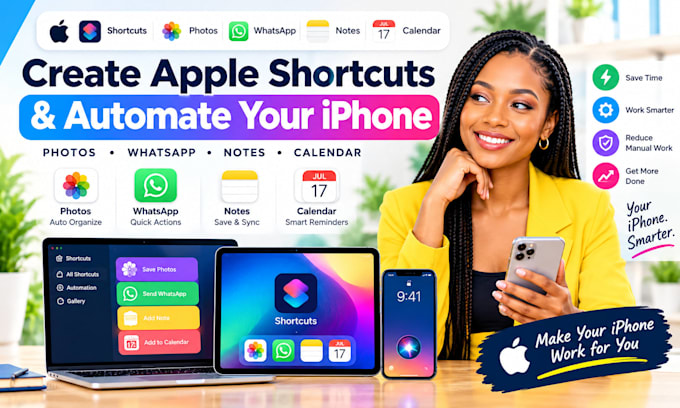
Make Your iPhone Work Smarter with Apple Shortcuts
Tired of repeating tasks across Photos, WhatsApp, Notes, and Calendar? I create practical iOS shortcuts to simplify everyday workflows.
WHAT I CAN DO FOR YOU
Message me with your idea or order nowI respond in seconds!
I'M AVAILABLE TO GET STARTED ON YOUR PROJECT RIGHT NOW IF YOU REACH OUT: I respond in seconds. If you have any question(s), check out my FAQs section below.
Expert
Languages
What are Apple Shortcuts?
Apple Shortcuts lets you combine actions on your iPhone into a workflow you can run manually, from Siri, or through supported automations.
Can you automate Photos on my iPhone?
Yes. I can create shortcuts for supported tasks such as resizing images, converting formats, organizing selected photos, and processing images. Some actions require your permission.
Can you automate WhatsApp messages?
I can create shortcuts that prepare message text or open supported WhatsApp actions. Sending messages automatically may be restricted by iOS or WhatsApp, and I cannot guarantee unsupported background messaging.
Can you connect Apple Notes and Calendar?
Yes. Where supported, shortcuts can create notes, prepare calendar events, and transfer information between apps.
Can you build a shortcut based on my exact needs?
Yes. Explain your current process and desired result, and I can design a workflow around your iPhone, apps, and iOS version.
Do I need to install another app?
Usually, Apple Shortcuts is enough for native iPhone workflows. Some third-party integrations may require additional apps, accounts, permissions, or subscriptions.
What do you need before starting?
Tell me your iPhone model, iOS version, apps involved, and the task you want to automate. Screenshots or a sample workflow can help clarify the requirements.