Browse categories
Explore
Fiverr Pro
English
$
USD
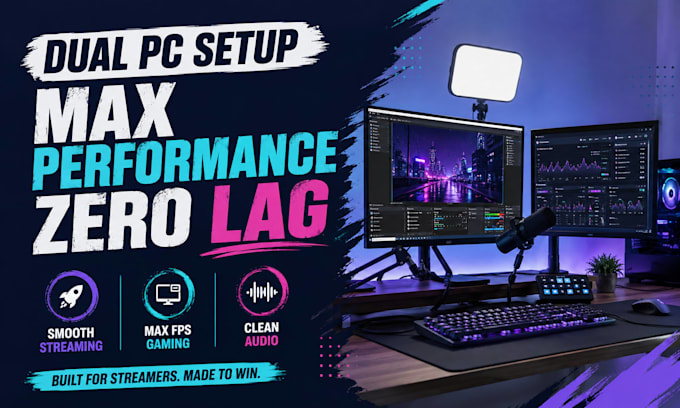
Lag, sync delay, routing issues? Get a stable dual PC stream setup built to perform.
A properly configured system creates smoother streams, cleaner sound, and a more professional experience that keeps audiences watching longer.
Get a high-performance dual PC streaming setup built for creators, gamers, and serious streamers who want stable results without hours of troubleshooting. Clean routing, synced audio, and optimized performance can improve stream quality, viewer retention, and production confidence.
What You Get:
No more random settings, delayed audio, or unstable streams. Get a clean dual PC system that runs smooth, sounds professional, and is ready to perform.
Message now for a premium setup that works right the first time.

Software:
OBS Studio
Platform:
•
Twitch
•
YouTube
•
Mixer
Purpose:
Gaming
•
Music
•
Lifestyle
•
Business
•
News
•
Streamshare
•
Webinar
Do I need a capture card?
In most dual PC setups, yes. A capture card helps transfer gameplay smoothly from your gaming PC to the streaming PC with better quality and lower strain. I can also advise if your current setup can work without one.
Does it work with one monitor?
Yes. A dual PC setup can work with one monitor, but two or more monitors usually give a smoother workflow. If you only have one monitor, the setup can still be configured based on your equipment.
Can you fix sync issues?
Yes. Audio delay, webcam delay, and gameplay sync problems can be corrected in OBS Studio for a smooth and professional stream experience.
