Browse categories
Explore
Fiverr Pro
English
$
USD
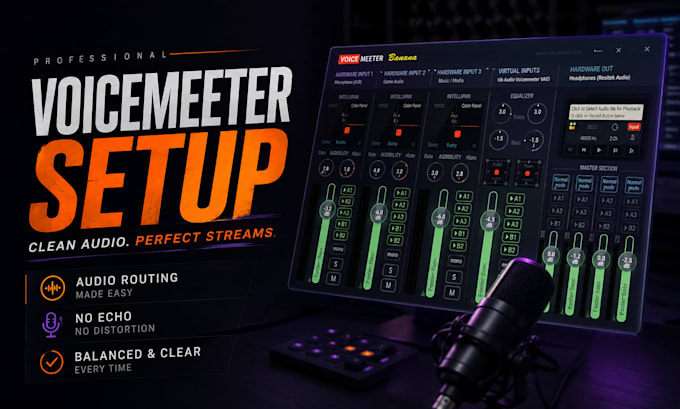
Confused routing, mixed game/chat audio, or messy sound? Get a clean Voicemeeter setup that works smoothly.
If Voicemeeter feels confusing or your setup sounds messy, this service helps you get clean, controlled audio that works every time.
Built for streamers, gamers, podcasters, and creators who need stable sound, separated sources, and smooth performance. Better audio routing can improve stream quality, viewer retention, and overall professionalism.
What You Get:
No more random settings, routing errors, or low-quality sound. Get a clean Voicemeeter setup that sounds professional and runs smoothly.
Message now for a setup done right the first time.

Software:
OBS Studio
Platform:
•
Twitch
•
YouTube
•
Mixer
Purpose:
Gaming
•
Music
•
Lifestyle
•
Business
•
News
•
Streamshare
•
Webinar
Do I need Banana or Potato?
It depends on your setup. Banana is ideal for most single PC streamers and basic routing. Potato is better for advanced setups, multiple devices, or dual PC streaming. I’ll recommend the best version for your needs.
Can you split Discord, game, and music audio?
Yes. Your audio can be separated into different channels for Discord, game sound, music, alerts, and microphone. This gives you cleaner control in OBS Studio and smoother streaming.
Does it work for dual PC setups?
Yes. Voicemeeter works great for dual PC streaming when configured correctly. It can route audio between gaming and streaming PCs for a professional setup with low confusion and better control.
