Browse categories
English
$
USD
Connect to your AI
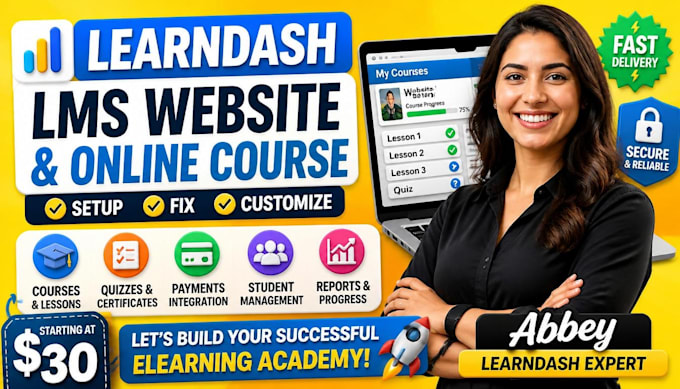
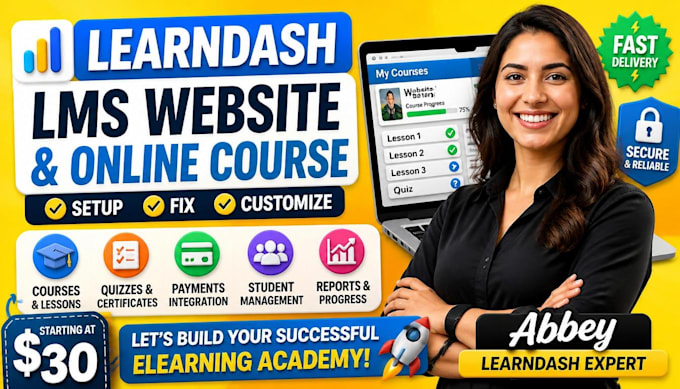
WordPress LMS Developer, LearnDash and eLearning Expert
LearnDash Setup and Fixes for Your WordPress LMS Website
I set up, fix and build LearnDash LMS websites on WordPress for coaches, trainers, schools and businesses that sell or deliver an online course. If your elearning website is not built yet, or your students cannot enroll, pay, save progress or get certificates, this service solves that.
I'm Abbey. You send the content, I do the technical work and test it as a student before delivery.
What I do:
What you get: a working course website, a list of what I changed and a short video showing how to manage it. One fix takes 1 day. A full WordPress LMS takes up to 7 days.
What I need: WordPress admin access, your LearnDash license and your course content.
Not included: the LearnDash license, hosting, domain, writing course content or video editing. I cannot promise sales or student numbers.
Message me before ordering so I can confirm the scope and price.



Course level:
All levels
Language:
English
•
French
•
German
Course subject:
Writing & publishing
Please inform the freelancer of any preferences or concerns regarding the use of AI tools in the completion and/or delivery of your order.
How much does it cost to set up LearnDash on my WordPress website?
It costs $30 for one fix or a plugin install, $80 for one full course and $150 for an LMS website with three courses. The LearnDash license, hosting and domain are not included, so you pay those to the providers yourself.
How long does it take to build a LearnDash online course website?
It takes 1 day for a single fix or install, 3 days for one course and 7 days for a full LMS website. The clock starts when I have your WordPress admin access, LearnDash license and course content, so sending those early keeps it on time.
What do you need from me before you start working on my LearnDash site?
I need three things: WordPress admin access, an active LearnDash license and your course content. Content means your lesson text, videos or video links, quiz questions and logo. For a fix, also send a screenshot or short video of the problem.
Do I have to buy the LearnDash license myself or do you provide it?
You buy the LearnDash license yourself, directly from LearnDash. I do not sell or share licenses. Having it in your own name means you keep getting plugin updates and support after my work is finished.
Why are my students not enrolled in the LearnDash course after they pay with WooCommerce?
Most of the time the WooCommerce product is not linked to the LearnDash course, or the order never reaches Completed status. I check both, fix the link and run a test purchase to confirm a new student gets access.
Why is LearnDash course progress not saving or the Mark Complete button not working?
The usual cause is a caching plugin serving saved copies of course pages, or a theme or plugin conflict. I exclude LearnDash pages from the cache, test for conflicts and confirm progress saves on a test student account.
Why is my LearnDash certificate not showing after a student finishes the course?
A certificate usually fails to show because it is not attached to the course or quiz, or the passing score was not reached. I check the settings, attach the certificate and complete the course as a test student to confirm it downloads.
What happens if you cannot fix my LearnDash problem?
If I cannot fix it, I tell you what I found and we cancel the order through Fiverr, so you do not pay for a fix you did not get. Some problems come from hosting or a plugin bug that only its developer can patch, and I say so plainly.
Can I set up LearnDash myself instead of hiring someone?
Yes, you can set up LearnDash yourself without writing code. The difference is time. Payments, enrollment, certificates and caching each have settings that are easy to miss, and I set them up and test the full student journey for you.
Will you test everything and show me how to manage my LearnDash courses after delivery?
Yes, every delivery is tested with a student account from enrollment to certificate. You also get a list of what I changed and a short video showing how to add lessons, enroll students and check progress on your own.