Browse categories
English
$
USD
Connect to your AI
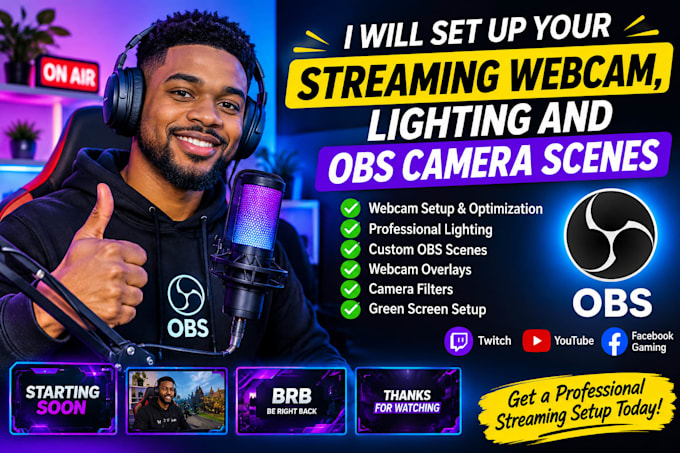
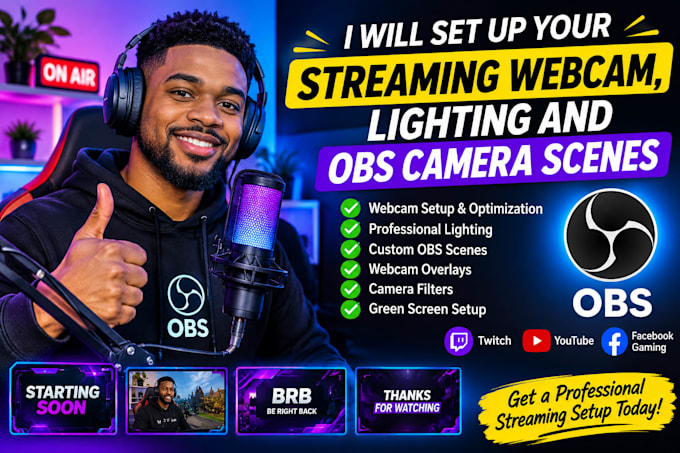
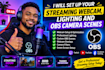
Want to make your livestream look more professional? I will set up your streaming webcam, optimize your camera quality, configure lighting, and create professional OBS camera scenes.
Whether you're a beginner or an experienced streamer, I'll help you achieve a clean, attractive, and engaging streaming appearance.
My Services Include:
Why Choose Me?
I support Twitch, YouTube, Facebook Gaming and other OBS-compatible platforms.
Let's upgrade your streaming setup and give your viewers a better visual experience. Order today!
Software:
Streamlabs OBS
Platform:
•
Twitch
•
YouTube
•
Kick
Purpose:
Gaming
•
Music
•
Lifestyle
•
Business
•
News
•
Streamshare
•
Webinar
1. Which streaming platforms do you support?
I support Twitch, YouTube, Facebook Gaming and other platforms compatible with OBS Studio.
2. Do I need to have a webcam before ordering?
Yes, preferably. I can help you configure your existing webcam and recommend suitable options if needed.
3. Can you set up my webcam in OBS Studio?
Yes! I will configure your webcam, adjust its settings, and integrate it into your OBS scenes.
4. Can you help me improve my lighting?
Absolutely! I can guide you in positioning and adjusting your key light, fill light, RGB lighting and background lighting.
5. Can you create custom OBS camera scenes?
Yes! I can create professional scenes for gameplay, Just Chatting, Starting Soon, BRB and Ending screens.
6. Do you provide webcam overlays?
Yes! I can add webcam frames, borders and other visual elements depending on your selected package.
7. Can you set up a green screen?
Yes! I can configure OBS Chroma Key to remove your green-screen background.
8. Do you offer remote setup?
Yes! I can assist with remote configuration using an agreed remote-access application.
9. What do you need before starting?
I need your webcam model, streaming platform, OBS details, preferred design and available equipment.
10. Can you work with beginners?
Definitely! No previous streaming experience is required. I'll help you get your setup ready for streaming.