Browse categories
Explore
Fiverr Pro
English
$
USD
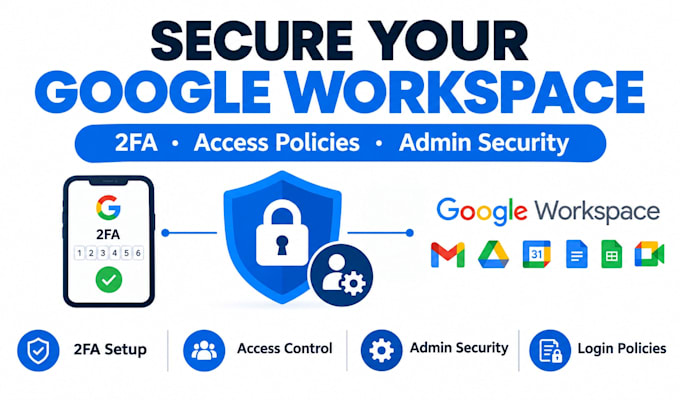
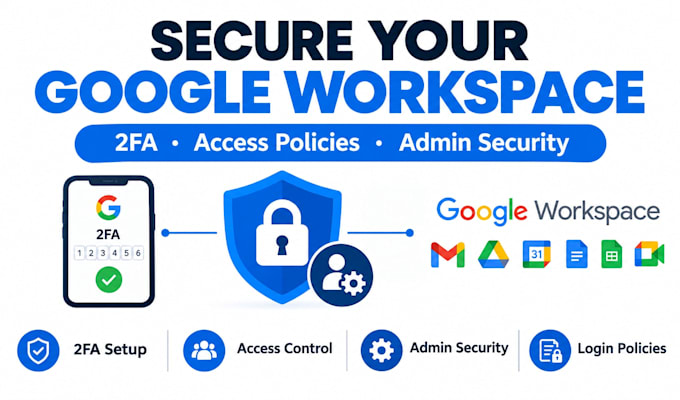
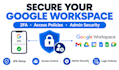
Is your Google Workspace admin console properly secured, or running on default settings?
Many businesses leave 2FA optional, admin roles too broad, or login policies unconfigured leaving the admin console exposed to unauthorized access. I lock this down properly.
I can help you with:
Why work with me:
You get a properly secured admin console with clear documentation of what was changed, reducing the risk of unauthorized access while keeping your team able to work without unnecessary friction.
Ready to lock down your Google Workspace admin console?
Send me details on your current setup and team size, and let's get it secured.
Email Provider:
Gmail
Expertise:
Setup
•
Configuration
Do I need to give you my Google Workspace password?
It's best to grant temporary or delegated admin access rather than sharing your primary password. I can walk you through the safest way to provide access during setup.
Will enforcing 2FA lock out my team?
2FA enforcement is rolled out with a setup period so users can register their verification method before it's required, minimizing disruption.
What's included in the access policy setup?
This covers configuring login restrictions, session length policies, and rules around trusted networks or devices, based on your organization's needs.
How long does delivery take?
Basic 2FA setup takes about 1 day; Standard (2FA + access policies) takes 2 days; Premium (full audit) takes up to 3 days.
How many revisions are included?
1 revision on Basic, 2 on Standard, and 3 on Premium, covering adjustments within the original security scope.