Browse categories
English
$
USD
Connect to your AI


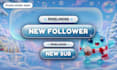
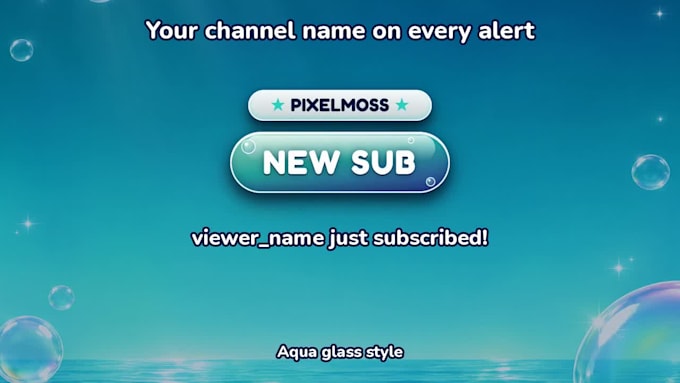
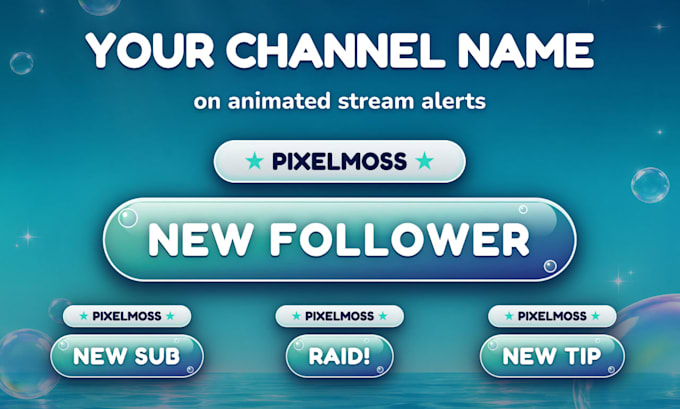
Your channel name on every alert, in shiny glass bubbles that pop, shine and float.
Each alert is a clean 5-second animation with a transparent background. Your channel name sits on top in a glass tab, and the event (NEW FOLLOWER, NEW SUB, RAID!, NEW TIP, GIFTED SUBS) pops in below. Your alert tool still shows the viewer's name under it and plays your own sound, as usual.
WHAT YOU GET
COLOUR STYLES
The scenes and mascots in the gallery only show the styles; you get the alerts.
HOW IT WORKS
Not affiliated with Twitch, YouTube, Kick, OBS, Streamlabs or StreamElements. Message me before ordering if you'd like something different!
Stream overlay and Notion template designer
Languages
Can the viewer's name be animated inside the alert?
No alert video can contain it, because the name changes every time. Your alert tool (Streamlabs, StreamElements) writes the viewer's name live under the alert, and I make sure the design leaves room for it.
Which streaming software does this work with?
Streamlabs, StreamElements and OBS (as a media source). The WebM files have a transparent background, so only the alert shows on your stream.
Can you match my existing overlay colours?
Yes. Send me your colours (hex codes or a screenshot of your overlay) with the order and I'll match the glass to them.