Browse categories
Explore
Fiverr Pro
English
$
USD

BUYERS GUIDE: How to Choose Your Order
Read this brief guide to select the exact setup for your project:
1. Pick Your Package (Based on Environment & Motion):
2. Default Resolutions Included:
3. When to Add Gig Extras:
(Note: Hard-surface assets only. No human/character animation).
3D Modeling($20): Covers 1 simple prop like streetlighs, road signs etc.,No full vehicle or such complex models. See FAQs for further details!
3D Vehicle and Hard Surface Specialist
Languages
Which package should I select for my project?
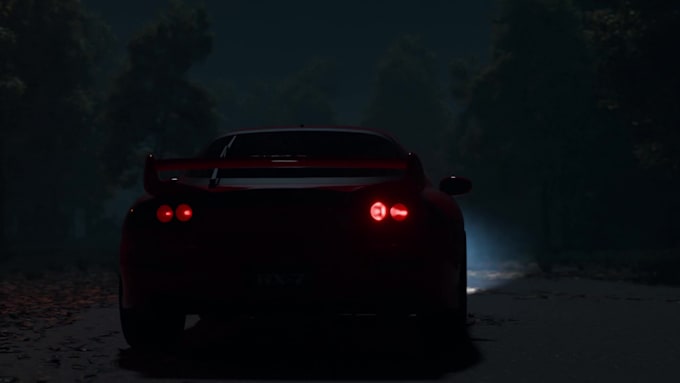
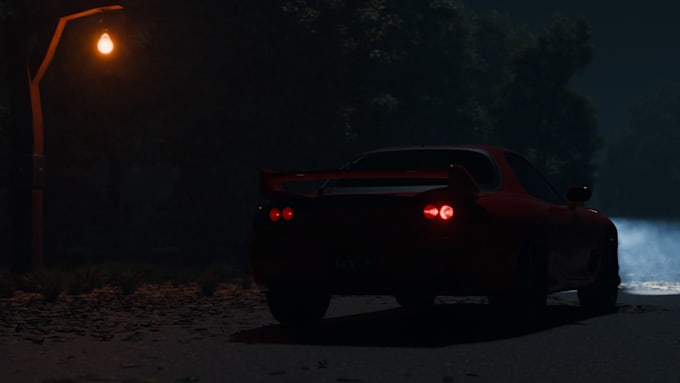
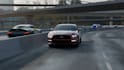
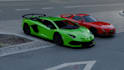
Choose based on your scene Basic: Best for single vehicles/objects in a clean studio or simple light background. Standard: Best for a single vehicle/object in a detailed environment (e.g., roads, tracks, urban streets). Premium: Best for complex shots with multiple vehicles and dense environment.
What resolution will my animation video be delivered in?
By default, Basic and Standard packages deliver in 1080p Full HD. The Premium package delivers in 1440p (2K Quad HD). If you need a 4K UHD export on any package, simply add the "Better Resolution" extra at checkout.
When do I need to select the "Rigging" Gig Extra?
If your 3D model is a raw, static mesh without separate parts (e.g., wheels merged to the body, fixed steering, static propellers), select Rigging. I will split, organize, and rig the object so it can animate realistically. If your model is already rigged according to components, you do need this.
What if I need more than one moving car or asset in my scene?
Basic and Standard packages cover 1 primary moving object. Premium covers up to 2 moving objects. If you are ordering Basic or Standard but want 2 or more active moving assets keyframed in the same scene, send me a direct message so I can send you a quick custom offer tailored to the project.
Can I request extra services like video editing or custom 3D modeling?
Yes! You can add Video Editing (sound sync, color grading, quick cuts) or 3D Modeling (custom parts/assets) directly from the Gig Extras list on the order page. If you have unique requirements not listed, feel free to message me anytime for a custom order!
What does the $20 3D Modeling extra cover?
Covers 1 simple background prop to fill your scene (e.g., street light, bench, barrier, road sign). It does NOT cover full vehicles, complex machinery, or entire environments. If you need complete models built from scratch, see my specialized Gigs or message me!
What if I don't have any 3D models or scene yet?
I offer a full production pipeline across my specialized Gigs: Vehicle Creation Gig (custom vehicle model) Scene Creation Gig (full environment build) This Animation Gig (rigging, lighting, rendering) Message me first to get a custom offer for all three!