Browse categories
Explore
Fiverr Pro
English
$
USD
Systems Engineer DevOps Automation Specialist AD Expert
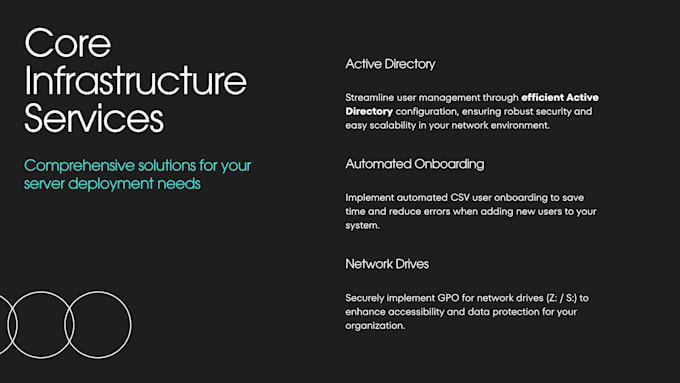
Are you looking for an airtight, secure, and professionally configured Active Directory environment for your business? Don't leave your identity infrastructure to slow, error-prone manual setups.
I am an experienced Infrastructure and Systems Administrator specializing in enterprise-grade Windows Server environments. By leveraging Infrastructure-as-Code (IaC) and custom PowerShell automation, I spin up rock-solid, production-ready Active Directory domains in a fraction of the traditional setup timeensuring 100% configuration accuracy and zero human error.
I will deliver a clean, fast, and completely secure identity engine customized to your corporate structure.
What I Will Do For You:


Operating system:
Windows
What versions of Windows Server do you support
I specialize natively in Windows Server 2022, but I can comfortably configure and automate deployments on Windows Server 2019 and 2016 as well.
Do I need to provide you with any server details beforehand?
Yes! Before we begin the session, I will just need to know your desired Domain Name (e.g., company.local), your preferred Server Host Name (e.g., HQ-DC01), and your local network IP subnet/gateway layout.
Is it safe to give you remote access to my machine?
Absolutely. We will use an attended remote desktop session (AnyDesk or RustDesk) where you can see my screen in real-time. You maintain 100% control of the mouse and mouse pointer, and you can terminate the session at any instant.