Browse categories
English
$
USD
Connect to your AI

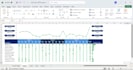
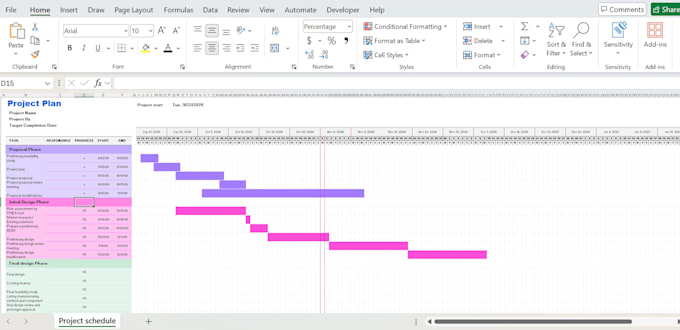
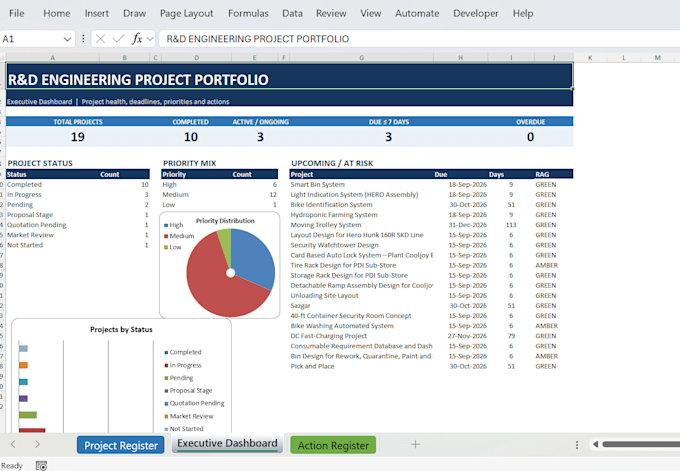
Need a dynamic Excel Gantt chart or professional project tracker?
Hey there! Welcome to my gig!
I create customized, interactive and formula-driven Microsoft Excel spreadsheets to help you manage projects, tasks, deadlines and progress efficiently.
What I can create for you:
Why choose me?
How to get started:
IMPORTANT: Please message me before ordering so we can discuss your requirements and select the right package.
Mechanical Engineer
Languages
1. What information do you need to create my Excel Gantt chart?
I need your task names, project start dates, end dates, task durations and any milestones or dependencies. If you have a reference design, feel free to share it.
2. Will the Gantt chart automatically update when I change dates?
Yes! I can create dynamic Gantt charts using Excel formulas and conditional formatting so the timeline updates automatically when you change the relevant dates.
3. Can you create a customized project tracker based on my requirements?
Absolutely! I can customize task lists, status dropdowns, priorities, deadlines, progress bars and project summaries according to your needs.
4. Can you create an interactive Excel dashboard?
Yes! I can create dashboards with KPI summaries, charts, progress indicators and other useful visual elements to help you monitor your projects.
5. Will I receive an editable Excel file?
Yes! You will receive an editable Microsoft Excel workbook (.xlsx) so you can update your tasks, dates and project information.
6. Can you modify an existing Excel spreadsheet?
Yes! I can improve your existing Excel spreadsheet by adding formulas, formatting, dropdown menus, Gantt charts and dashboard features.