Browse categories
Explore
Fiverr Pro
English
$
USD
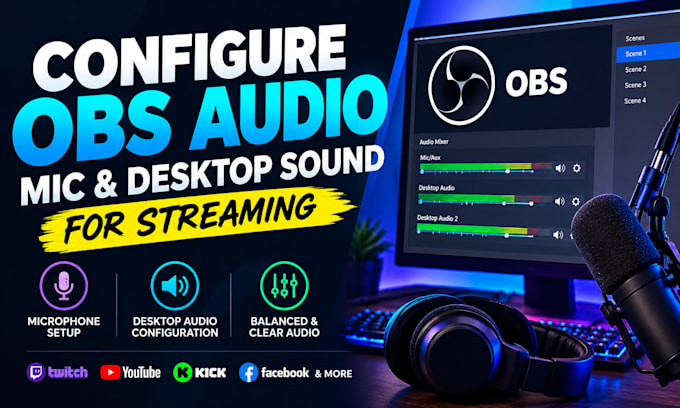
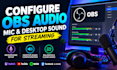
Having trouble with your OBS microphone, desktop audio, or sound levels?
I will configure and optimize your OBS audio so your microphone and desktop sound work properly for streaming, recording, gaming, YouTube, Twitch, Kick, Facebook, and other platforms.
I can help you with:
Whether your microphone is too quiet, desktop sound is missing, your audio is distorted, or your voice and game sound are not balanced, I will configure the settings based on your setup.
Send me your OBS details and explain the audio problem you're experiencing. I'll help you get clean, balanced and reliable audio for your streams or recordings.
Software:
OBS Studio
Platform:
•
Twitch
•
YouTube
Purpose:
Gaming
•
Business
•
Streamshare
Can you fix a microphone that is too quiet?
Yes. I can adjust your OBS input, gain and filters to improve your microphone level.
Can you configure desktop/game audio?
Yes. I can configure desktop sound and help balance it with your microphone.
Can you remove background noise?
Yes. I can configure appropriate OBS filters such as noise suppression, compressor and limiter.
Can you fix audio that is not working in OBS?
Yes. I can troubleshoot your OBS audio devices and settings to identify the problem.
Do you work with Twitch, YouTube and Kick?
Yes. I can configure OBS audio for streaming or recording workflows on different platforms.