Browse categories
English
$
USD
Connect to your AI

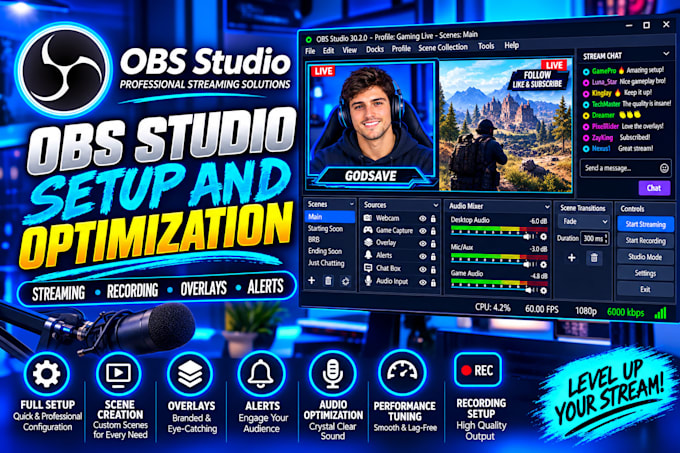
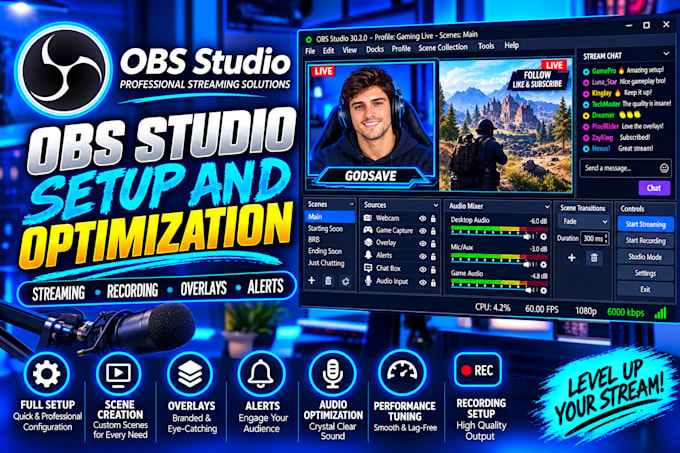
Need a reliable OBS Studio setup for streaming or recording?
I will help you configure OBS Studio for better stream quality, clear audio, and organized scenes, tailored to your computer and streaming needs.
What I can help with:
I work with gaming streams, live content, tutorials, podcasts, and other streaming or recording projects.
Whether you are a beginner or need help with an existing OBS setup, I will tailor the configuration to your needs.
Before ordering: Tell me your streaming platform, computer specifications, and what you need help setting up. If you have a problem, please describe it so I can understand your current setup.
Let's get your OBS Studio ready for streaming or recording!
Professional Stream Setup Specialist
Languages
Which streaming platforms do you support?
I can help configure OBS Studio for platforms such as Twitch, YouTube, and Kick. Please tell me which platform you use before ordering.
Can you set up my microphone and game audio?
Yes, I can help configure your microphone, desktop audio, and game audio in OBS Studio, depending on your equipment and setup.
Can you add my overlays and alerts to OBS?
Yes, I can help integrate compatible stream overlays, alerts, and browser sources when you provide the required files or links.
Can you fix lag or dropped frames in OBS?
I can help troubleshoot common OBS settings and performance issues. Results may depend on your computer hardware, internet connection, and other software.
What information do you need before starting?
Please share your streaming platform, computer specifications, and what you need help with. If you are troubleshooting an issue, include a description or screenshots of the problem. Never send passwords or account login details.