Browse categories
English
$
USD
Connect to your AI
DevOps Engineer
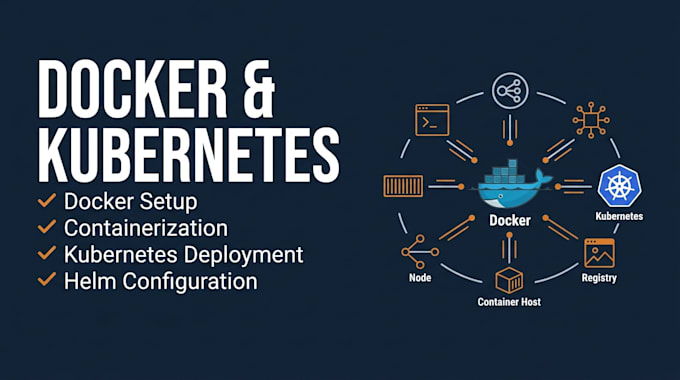
I will set up Docker, Kubernetes, and CI/CD pipelines to help you containerize, deploy, and automate your applications using modern DevOps practices.
What I Offer:
Docker:
Kubernetes:
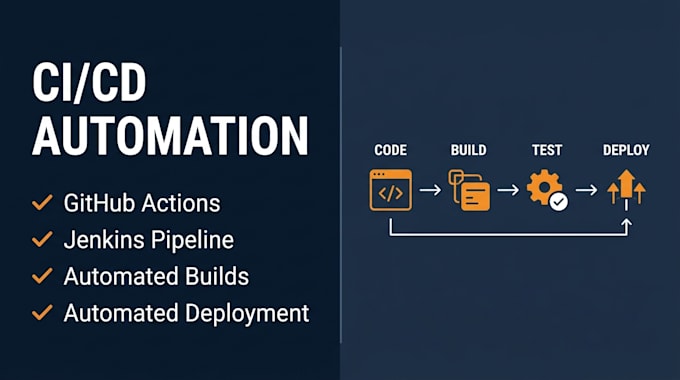
CI/CD:
Technologies: Docker, Kubernetes, Helm, Docker Compose, GitHub Actions, Jenkins, Linux, YAML, Git, and Docker Hub.
I can work with Node.js, React, Python, Java, and .NET applications.
Please contact me before placing an order to discuss your project requirements and select the right package.


Tools:
Kubernetes
•
Docker
•
OpenShift
•
Amazon EKS
Frameworks:
Npm
•
Terraform
•
Ansible
Programming language:
Bash
•
Java
•
JavaScript
•
Python
Expertise:
Migration
•
Debugging
•
Configuration
Which services do you offer?
I offer Docker containerization, Docker Compose setup, Kubernetes deployment, Helm configuration, and CI/CD pipeline automation using GitHub Actions or Jenkins.
Can you containerize my existing application?
Yes, I can create Dockerfiles, build optimized Docker images, configure Docker Compose, and containerize applications built with Node.js, React, Python, Java, or .NET.
Can you deploy my application on an existing Kubernetes cluster?
Yes, I can deploy your application using Kubernetes Deployments, Services, ConfigMaps, Secrets, Ingress, and Helm.
Which CI/CD tools do you support?
I support GitHub Actions and Jenkins for automating application builds, Docker image creation, and deployment workflows.
What do I need to provide before starting?
Please provide your source code or GitHub repository, project requirements, deployment environment details, and access to the required infrastructure. Never share root passwords or secret keys.