Browse categories
English
$
USD
Connect to your AI
Microsoft SharePoint site, intranet and document library
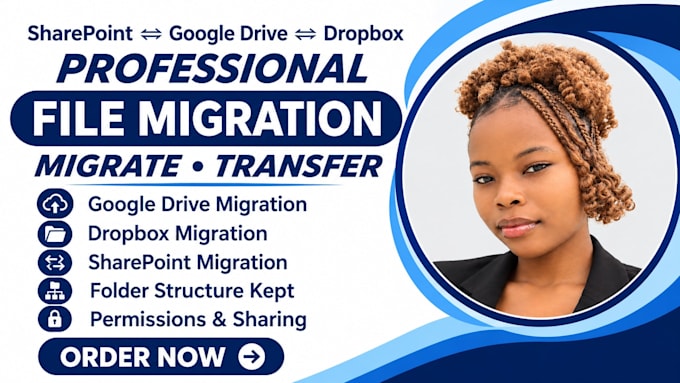
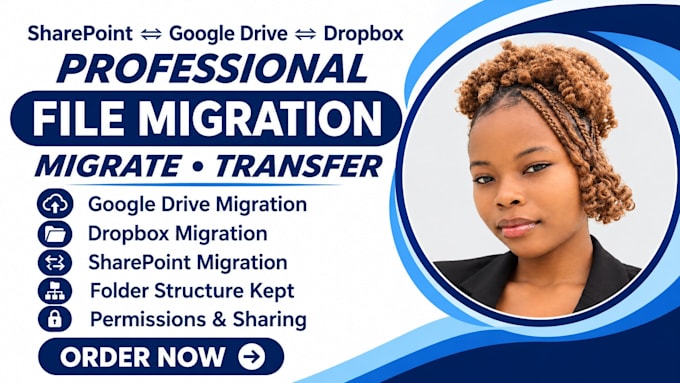
Moving to a new platform shouldnt mean lost files, broken folders or lost access. I migrate your files between Google Drive, Dropbox, SharePoint and OneDrive, keeping your folder structure and checking every transfer.
Im a data migration and cloud migration specialist for teams moving to or from Microsoft 365 and Google Workspace.
WHAT I DELIVER:
WHY CHOOSE ME:
Backup first, clear plan, no passwords shared, fast replies and a final report.
Message me where youre moving from and to, and Ill recommend the right package.



Can you migrate Google Drive or Dropbox to SharePoint or OneDrive?
Yes. I do data migration and cloud migration from Google Drive, Dropbox and Google Workspace into SharePoint, OneDrive and Microsoft 365, keeping your folders and files organized, then verify the result.
Can you migrate the other way?
Yes. I can move files from SharePoint, OneDrive or Dropbox into Google Drive or Google Workspace (G Suite), or from Google Drive into Dropbox, with a clear folder plan and a check at the end.
Will my folder structure stay the same?
Yes. I keep your folder structure and file names wherever the platforms allow, and I flag any characters or path lengths that can’t carry over, so your team finds files where they expect them.
What about permissions and sharing?
I rebuild permissions on the new platform to match your team’s access as closely as possible. Some sharing links can’t carry over between platforms, so I flag those in advance and report anything that needs attention.
Will I lose any files?
I back up first, migrate a small test batch, then move the rest in batches and compare file counts before and after. You get a final report listing what moved and anything that needs attention.
How long does a migration take?
Small moves take a day or two. Larger moves depend on data size and platform limits, and 100 GB or more can take several days. I’ll estimate after seeing your setup and plan the move for a quiet time.
Can you migrate email and mailboxes?
Yes. I handle email migration and mailbox migration between Gmail, Outlook, Zoho Mail and others, and update MX records and DNS at the right time so no mail is lost. Domain transfer help is available on request.
Can you organize my files during the move?
Yes. I clean up file organization, naming and folder structure, remove duplicates and set up document management in SharePoint with libraries and permissions, so your team finds files fast after the move.
Can you set up Microsoft 365 or automate afterwards?
Yes. I do Microsoft 365 and Google Workspace setup with business email, and I can build Power Automate and Excel automation to replace manual copy-paste work once your files are in place.
What do you need to get started?
Where you’re moving from and to, the amount of data, users and mailboxes, your email provider and domain registrar, and your preferred date. I’ll request admin access by invite in chat, never your passwords.