Browse categories
Explore
Fiverr Pro
English
$
USD


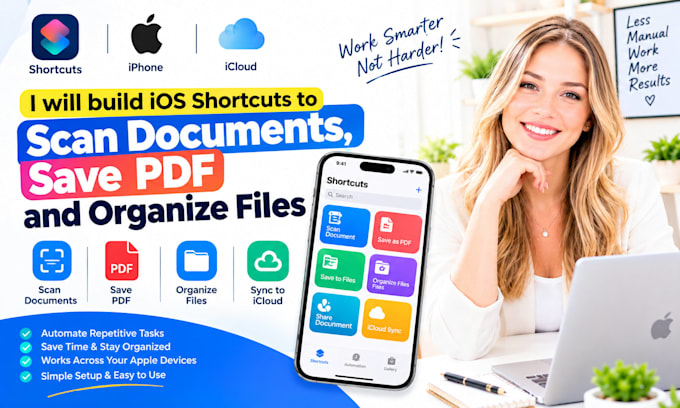
Scan documents, save them as PDFs, and organize files automatically with iOS Shortcuts.
Are you losing receipts, contracts, IDs, invoices, or important documents because filing takes too long?
WHAT I CAN DO FOR YOU
Message me now or place an orderI respond in seconds!
IM AVAILABLE TO GET STARTED ON YOUR PROJECT RIGHT NOW IF YOU REACH OUT
iOS document scanner; scan to shortcut; iPhone document scanning; multi page scan; automatic naming; document file organization; receipt file organization; invoice file organization; contract file organization; ID document workflow; photo conversion; compression workflow; iCloud Drive file saving; Google
Expert
Languages
1. Can it scan multiple pages into one PDF?
Yes, where your iPhone and Shortcuts version support the document-scanning action. I can build a multi-page workflow. iOS document scanner; scan to PDF shortcut; iPhone document scanning; multi page PDF scan; automatic PDF naming; document file organization; receipt file organization; invoice file
2. Can it save directly to iCloud Drive?
Yes. I can create a workflow that saves the PDF to an iCloud Drive folder you choose. Apple Shortcuts automation; custom Apple Shortcut; iPhone automation; AI workflow automation; Siri Shortcuts setup; one tap shortcut; personal automation setup; app launcher shortcut; message automation; call auto
3. Can it save to Google Drive, Dropbox, or OneDrive?
Yes, where the app and Shortcuts permissions support file saving. I’ll confirm the destination before setup. Apple Shortcuts automation; custom Apple Shortcut; iPhone automation; AI workflow automation; Siri Shortcuts setup; one tap shortcut; personal automation setup; app launcher shortcut;
4. Can it rename files automatically?
Yes. I can use the document type, date, client name, invoice number, or another input you provide. Apple Shortcuts automation; custom Apple Shortcut; iPhone automation; AI workflow automation; Siri Shortcuts setup; one tap shortcut; personal automation setup; app launcher shortcut; message automate
5. Can it organize receipts, invoices, and contracts separately?
Yes. I can create separate shortcuts or use a prompt to choose the correct folder. Apple Shortcuts automation; custom Apple Shortcut; iPhone automation; AI workflow automation; Siri Shortcuts setup; one tap shortcut; personal automation setup; app launcher shortcut; message automation;call automate