Browse categories
English
$
USD
Connect to your AI
Readymag, Tilda Web Designer, Portfolio, Landing Pages
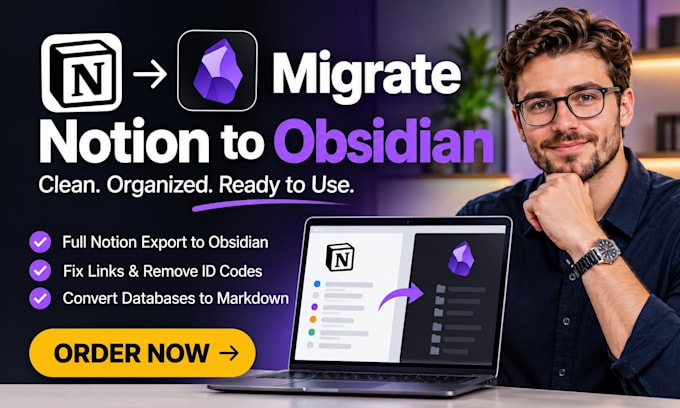
Moving from Notion to Obsidian, but your export is a mess?
Notion exports come out with random ID codes in file names, broken links, CSV databases and missing images. Fixing it by hand takes days.
I migrate your Notion workspace into a clean, working Obsidian vault, so every page, link and image is where it should be.
WHAT I DO
MY PROCESS
Review export Plan structure Migrate Fix links & clean Test Deliver with written guide
WHY CHOOSE ME
Message me with your workspace size and Ill tell you the right package.

How do I send you my Notion workspace?
In Notion, go to Settings → Export, choose “Markdown & CSV” and include subpages and files. Upload the ZIP file here or share it through Google Drive or Dropbox.
Will I lose anything from Notion?
No. I only work on your export file, and your Notion workspace is never touched. I check every link and image before delivery.
Do you need my Notion password?
No. The export file is all I need.
What happens to my Notion databases?
Each database row becomes its own note, with properties (status, date, tags) kept. In the Premium package I also build Dataview views so you can see your data as tables, like in Notion.
How do I count my pages?
Each Notion page and each database row counts as one page. If you’re not sure, send me the export and I’ll tell you the exact count and package.
Can you also set up Obsidian after the migration?
Yes. The Premium package includes a full vault rebuild, templates and plugins. You can also add extras like Git backup or mobile sync.
