Browse categories
Explore
Fiverr Pro
English
$
USD
Are your GTM tags and GA4 events on WordPress actually tracking what you think they are?
Most tracking issues on WordPress are invisible: duplicate GA4 sources, misconfigured tag positions, or WooCommerce events that appear to fire but send wrong revenue data. You only find out when the numbers don't add up. The result? Ad spend optimising on bad signals and revenue data you can't trust.
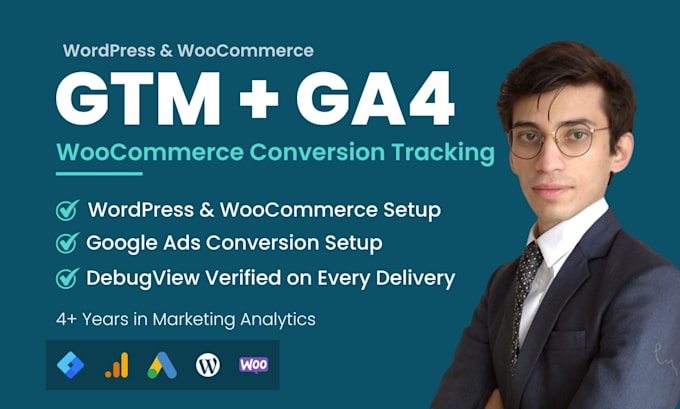
I'm a marketing data analyst with 4+ years of experience. I care about whether your data is right, not just whether tags fire. Every install starts with a pre-install audit to catch conflicts first.
What you'll get:
Every delivery comes screenshot-verified, not just signed off.
Message me before ordering. Share your site URL and I'll confirm the right approach.



What access do you need to get started?
I need WordPress admin access, plus editor or admin access to your GTM container and GA4 property. Premium also requires your Google Ads account. I'll send an access request once you message me. I always prefer being added as a user rather than receiving login credentials.
Will this work with my WordPress theme (Elementor, Divi, Astra, etc.)?
Yes. GTM4WP installs GTM at the WordPress level, not inside your theme files. So it works with all themes and survives updates. If the manual method is needed instead, it goes into a child theme to keep it update-safe. Full documentation is available in Premium or as a $15 add-on.
I already have GA4 set up through a plugin. Will this cause conflicts?
Possibly. Two GA4 sources running at once doubles your pageview count and corrupts session data. That's why I run a pre-install audit before touching anything. If you have GA4 loading through Site Kit, MonsterInsights, or a hardcoded snippet, I'll remove or flag the conflict before install.
How do I know the tracking is working correctly?
Every delivery includes GTM Preview Mode and GA4 DebugView screenshots confirming tags are firing. For Standard and above, each WooCommerce event is verified individually. Premium or the $15 report add-on adds a written delivery report with Container ID and Measurement ID.
Do you offer support after delivery?
Yes. 3 days of post-delivery support for issues related to the setup I delivered. If something isn't firing or a conflict appears after launch, I'll fix it at no charge. This covers work within your tier's scope, not new events or platforms.