Browse categories
Explore
Fiverr Pro
English
$
USD


Tired of manually renaming hundreds of files, sorting folders, or cleaning messy data logs every day?
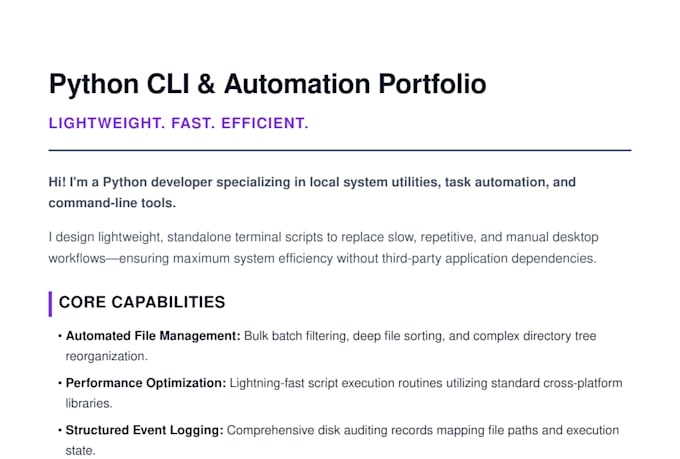
I will build you a clean, custom Python command line tool that automates your repetitive file and data tasks saving you hours of manual work every week.
What I can automate:
- Bulk file renaming with custom naming rules
- Auto-sorting files into folders by type, date, or name
- Cleaning and formatting messy local CSVs or data logs
- Duplicate file detection and safe removal
- Automated folder structure creation
- Any repetitive file or directory management task
What you get:
- Clean, commented Python script with simple, maintainable code
- Step-by-step setup guide so you can run it immediately
- Free revision support until it works perfectly on your machine
Premium upgrade: Persistent storage system so your tool remembers settings, logs, and run history every time you reopen it no reconfiguring from scratch.
Message me with your workflow details before ordering, I'll review your task and suggest the best approach for free.
Clean, professional freelance services for the digital age
Languages
Q: Do I need to know Python to use the tool?
A: Not at all. I build scripts to run seamlessly with simple text-based commands. I provide a clear, step-by-step setup guide so you can run your new tool easily, even if you have zero programming experience.
Q: What operating system do you support?
A: Windows and Mac. Let me know your OS before ordering so I can make sure the file paths work correctly for your system.
Q: What exactly is a CLI tool?
A: A CLI (Command Line Interface) tool is a lightweight application that runs directly inside your computer's terminal or command prompt window. By skipping heavy Graphical User Interfaces (GUIs), these tools run much faster, consume minimal system memory, and remain incredibly reliable.
Q: What is the persistent storage upgrade?
A: Instead of the tool starting fresh every time, it saves your settings, preferences, and run history to a local file. So if you run it Monday and again Friday, it remembers what it did before and picks up where it left off.