Browse categories
Explore
Fiverr Pro
English
$
USD
Consultor Microsoft 365 Power BI Power Apps Power Automate SharePoint
Most Power BI dashboards fail not because of the visualization but because the data never gets there cleanly.
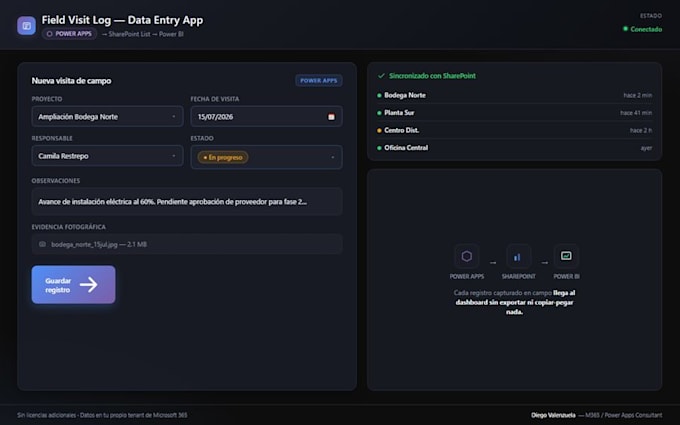
If your team still sends data by email or fills in a shared Excel file, I'll replace that with a Power Apps form that writes directly to SharePoint Lists. Clean data in, accurate dashboard out automatically.
What you get:
Perfect for: KPI reporting, timesheet tracking, project status updates, risk management, inspection checklists.
Message me with your use case before ordering I confirm scope and timeline before we start.

Do I need a Microsoft 365 license to use this?
Yes, Power Apps and Power Automate require a Microsoft 365 Business or Enterprise plan. Most companies already have this. I'll confirm your license type before we start.
Can multiple people use the Power Apps form at the same time?
Yes, SharePoint and Power Apps support multiple simultaneous users without conflicts — unlike a shared Excel file.
What happens after I receive the system?
You get full ownership. I provide documentation and, on Standard and Premium packages, a handoff session so your team knows how to use and maintain it.
