Browse categories
English
$
USD
Connect to your AI
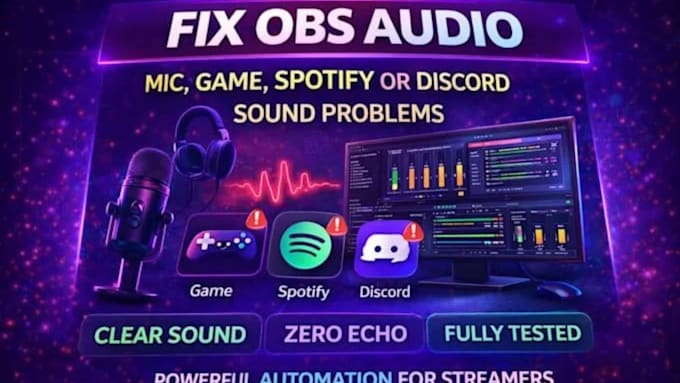
Are you experiencing microphone problems, missing Discord audio, echo, background noise, or unbalanced sound during your live streams?
I can help troubleshoot and configure your OBS audio settings so your microphone, Discord conversations, desktop sound, and other audio sources work together properly.
Whether you are a streamer, gamer, podcaster, content creator, or live broadcaster, I will help identify the issue and configure your audio for a cleaner and more reliable streaming experience.
AUDIO ISSUES I CAN HELP FIX:
WHAT YOU WILL RECEIVE:
Software:
OBS Studio
Platform:
•
Twitch
•
YouTube
•
Kick
Purpose:
Gaming
•
Music
•
Lifestyle
Can you fix a microphone that OBS cannot detect?
Yes, I can troubleshoot device and OBS configuration issues.
Can you configure Discord audio?
Yes.
Can you remove background noise?
I can configure appropriate noise suppression and filtering, depending on your microphone and environment.
Can you fix audio echo?
Yes, I can investigate routing and monitoring issues.
- Can you balance microphone and game audio?
Yes.
