Browse categories
Explore
Fiverr Pro
English
$
USD
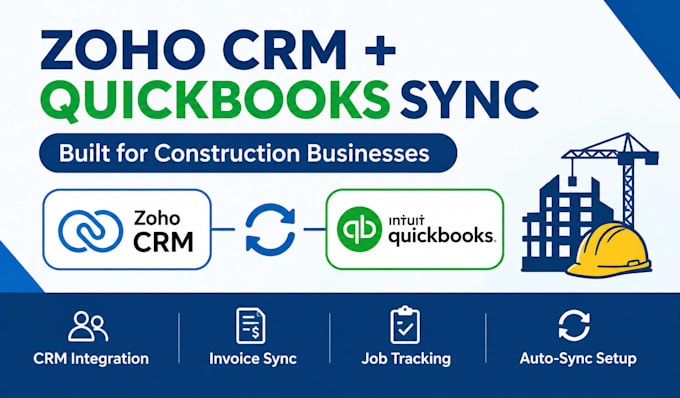
Tired of entering the same client and invoice data twice between Zoho CRM and QuickBooks?
Construction businesses often manage jobs and clients in Zoho CRM while handling invoicing and payments in QuickBooks but without proper integration, that means duplicate data entry and mismatched records. I set up the connection between them correctly.
I can help you with:
Why work with me:
You get a working integration built around how construction businesses actually track jobs and billing, tested before handoff, with fewer manual entry errors and less duplicate work between systems.
Ready to connect your CRM and accounting?
Send me details on your Zoho CRM and QuickBooks setup, and let's get your systems talking to each other.


Software:
Zoho
Industry:
Construction
Do I need a specific Zoho CRM or QuickBooks plan for this to work?
Certain sync features depend on your Zoho CRM edition and whether you're using QuickBooks Online or Desktop. Message me your current plans before ordering if you're unsure which package fits.
What access do you need to get started?
Admin access to Zoho CRM and QuickBooks (or a limited-permission user set up for the integration), plus access to any third-party integration tool involved.
Will this work with QuickBooks Desktop?
Some integration methods support Desktop, but options can be more limited than QuickBooks Online. Please confirm your version before ordering so I can recommend the right approach.
How long does delivery take?
Basic sync setup takes about 3 days; more advanced two-way or full workflow integrations under Standard or Premium take 5-7 days depending on complexity.
How many revisions are included?
1 revision on Basic, 2 on Standard, and 3 on Premium, covering adjustments within the original integration scope.
Is my business and financial data secure during setup?
Yes. Access is used only for configuring the integration and shared exclusively through Fiverr's secure messaging, not stored afterward.