Browse categories
Explore
Fiverr Pro
English
$
USD
Custom OBS Setup For Better Streaming Performance
Struggling with a basic Whatnot stream that looks unprofessional, feels difficult to manage, or loses viewers during your live sales?
Turn your Whatnot livestream into a clean, engaging, and professional selling experience designed for smoother streaming and better viewer retention.
What you get:
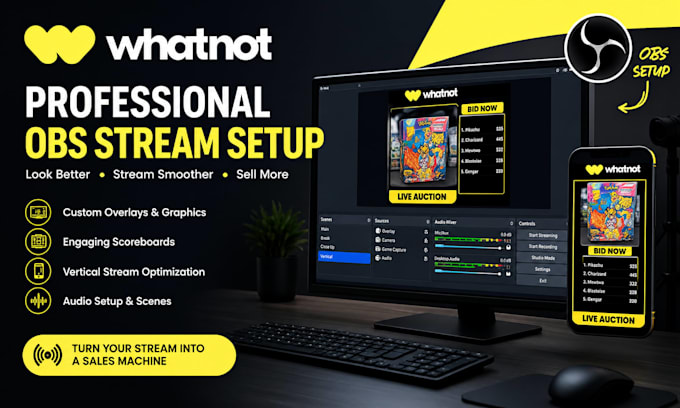
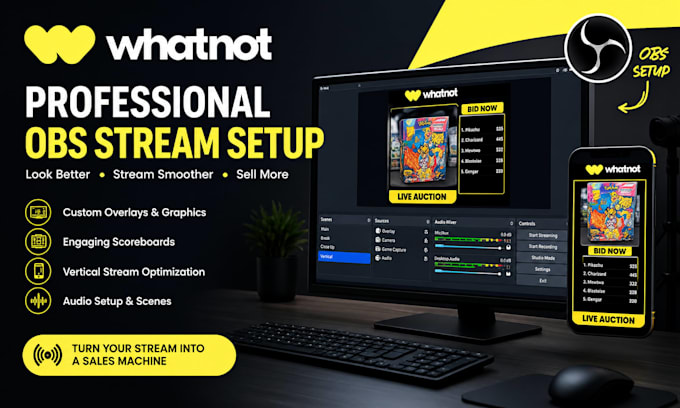
Professional Whatnot OBS setup
Custom Whatnot overlay and stream graphics
Clean OBS scenes and stream setup
Vertical stream optimization
Whatnot scoreboard for auctions and card breaks
Stream audio and basic audio routing
Smooth, organized, high-quality livestream presentation
Whether you're a Whatnot seller, card breaker, Pokémon seller, or auction host, your stream can look polished and perform smoothly across your live sessions.
The setup focuses on better visual quality, smoother performance, clearer presentation, and a more engaging experience for your viewers.
Ready to upgrade your Whatnot stream and create a professional setup that keeps viewers focused on your products?
Let's get your Whatnot OBS stream ready for your next live sale.
Software:
Streamlabs OBS
Platform:
•
Twitch
•
YouTube
•
Mixer
•
GosuGamers
•
Kick
Purpose:
Gaming
•
Music
•
Lifestyle
•
Business
•
News
•
Streamshare
•
Webinar
Can you set up my Whatnot stream with OBS?
Yes. Your Whatnot OBS setup can include scenes, overlays, audio, camera sources, and vertical stream optimization.
Can you create custom Whatnot overlays?
Yes. Custom Whatnot overlays, graphics, and scoreboards can be designed to match your brand and selling style.
Can you fix my existing Whatnot OBS setup?
Yes. Existing OBS scenes, overlays, audio routing, and stream settings can be reviewed and optimized for smoother streaming.