Browse categories
English
$
USD
Connect to your AI
Texts going to the wrong people, or booking links sending your front desk in circles?
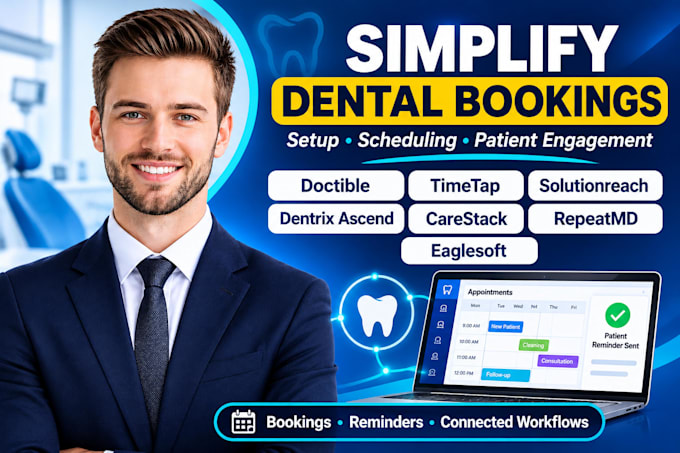
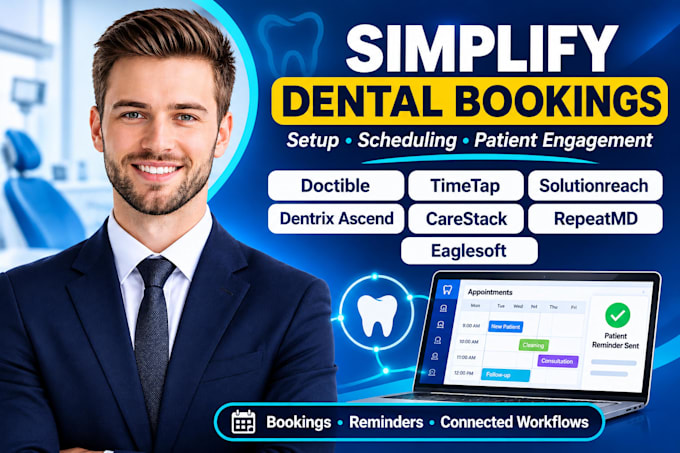
I set up and repair scheduling and messaging inside dental practice software, then show your team how it works.
Here's what I do:
Platforms I work with: Emitrr · Denticon · PracticeWeb · EasyWeek · Abeldent · Cleardent · Ace Dental · TimeTap · Weave · Solutionreach · CareStack · Eaglesoft · Zapier · Make · Google Calendar · Outlook Calendar · Calendly · Twilio · GoHighLevel
Access comes from an admin invite or your own API keys, never passwords. Financial and sensitive settings stay with you or your bookkeeper, and I never move or edit patient records.
Message me the tools you use and I'll tell you what's realistic before you order.



Software:
Salesforce
Industry:
Construction
•
Medical & pharmaceutical
•
Real estate
What will I get when the gig is done?
Working, tested texting and booking settings in your platforms, plus a Loom walkthrough and written notes so your team knows what each setting does.
Who is this gig for?
Dental offices and small practices using Emitrr, Denticon, EasyWeek, TimeTap, Abeldent, Cleardent, Ace Dental, or PracticeWeb that need scheduling and texting set up cleanly.
Why choose the Premium package?
Premium covers up to 3 platforms, a settings audit, template and rule cleanup, full written notes, and 3 revisions. Best when texting, booking, and your practice system must line up.
What exactly is included in a setup?
Appointment types, availability rules, reminder templates, booking pages and links, calendar sync where supported, and a live test of each step before handoff.
What is not included, and what do I handle?
I never move or edit patient records or financial settings. Those stay with you or your bookkeeper. I only use admin invites or your own API keys, never passwords.