Browse categories
Explore
Fiverr Pro
English
$
USD




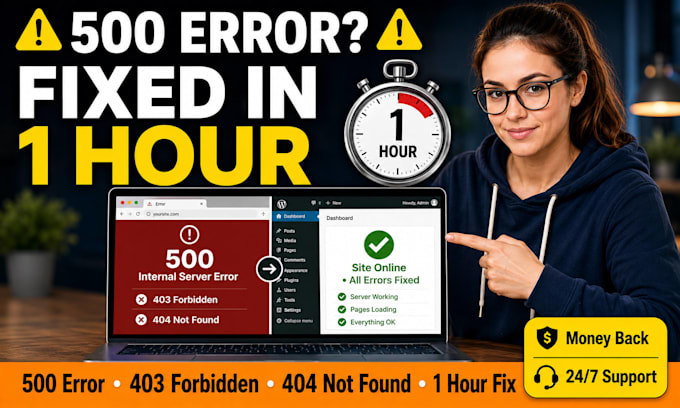
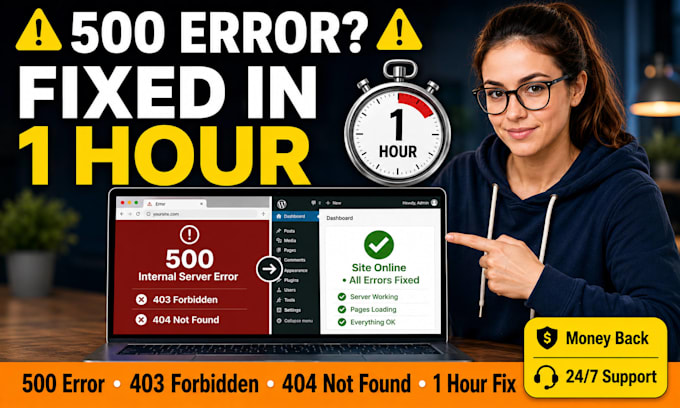
Is your WordPress site showing "500 Internal Server Error", "403 Forbidden", or "404 Not Found"?
Is your site completely down and customers seeing a blank page or error message? YOU'VE COME TO THE RIGHT GIG!!
I'm Emmie Grant, a WordPress error specialist who fixes HTTP errors fast. These errors are often caused by corrupted .htaccess files, plugin conflicts, memory limits, or wrong file permissions and I solve them usually within 30 minutes, but deliver in 1 hour guaranteed.
I fix these exact errors fast:
WHY CHOOSE ME:
Don't let HTTP errors kill your traffic or sales. CONTACT ME NOW!!
Please be aware that it is against Fiverr's policies for sellers to include themes, templates, or any other elements that infringe third-party rights or applicable laws in the delivered work. Read more about in our Guide to Responsible Digital Creation.
Emmie Grant Your WordPress PHP Errors WooCommerce issues Expert Fix in 1 hour
Languages
What causes the 500 internal server error on my WordPress site?
Common causes: corrupted .htaccess file, exhausted PHP memory limit, plugin or theme conflict, or wrong file permissions. I will quickly find the exact cause and fix it within 1 hour.
Do I need to give you access to my hosting or WordPress admin?
For 500 errors, I often need FTP or cPanel access to check error logs and fix .htaccess. I also need WordPress admin. You create temporary access and delete it after. Your security is safe with me.
What if the 500 error comes back after you fix it?
If the error returns within 7 days of my fix, I will resolve it again for free. My Premium package includes permanent prevention by increasing memory limits and adding security rules to .htaccess.