Browse categories
Explore
Fiverr Pro
English
$
USD
PCB Design, Embedded System and Firmware Development
HELLO THERE,
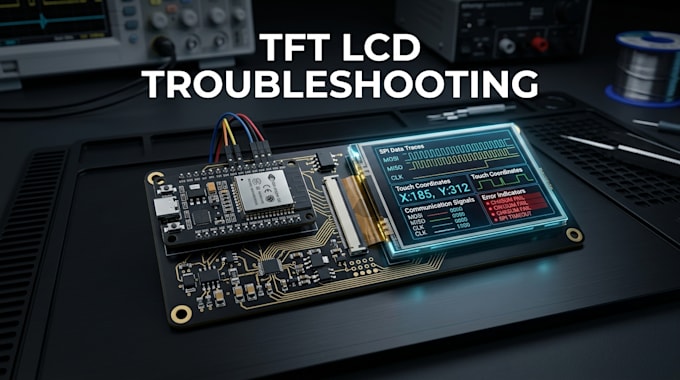
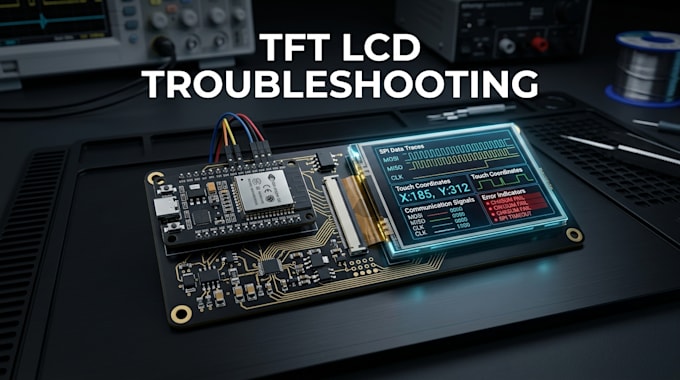
A TFT display that stays blank, shows corrupted colors, responds incorrectly to touch, or works intermittently can have issues with power, wiring, initialization, communication, drivers, timing, or firmware. I will diagnose the root cause and provide a practical fix instead of guessing.
I troubleshoot and fix TFT LCD interfaces, touchscreen controllers, and embedded display firmware for ESP32, STM32, Arduino, and compatible microcontrollers.
What I Will Troubleshoot:
What You Will Receive:
Why Choose Me?
Let's identify the fault, fix the interface, and get your TFT touchscreen working correctly. Contact me now.
What TFT LCD problems can you fix?
I can troubleshoot blank screens, incorrect colors, flickering, touch failures, orientation issues, driver errors and communication problems.
Can you troubleshoot SPI TFT displays?
Yes. I can investigate SPI communication, initialization, configuration, timing and firmware-related issues.
Can you fix touchscreen problems?
Yes. I can troubleshoot touch detection, calibration, coordinates, controller communication and unreliable touch response.
Can you work with existing firmware?
Yes. I can inspect and modify existing firmware when the source code and relevant hardware information are provided.
Can you diagnose hardware and software issues?
Yes. I can help isolate whether the problem originates from wiring, power, hardware configuration, drivers or firmware.