Browse categories
Explore
Fiverr Pro
English
$
USD



Imagine every WhatsApp customer message automatically creating a Zendesk ticket, routing through Freshchat with full context, and syncing to Freshworks support agents responding from one unified inbox instead of switching between apps...
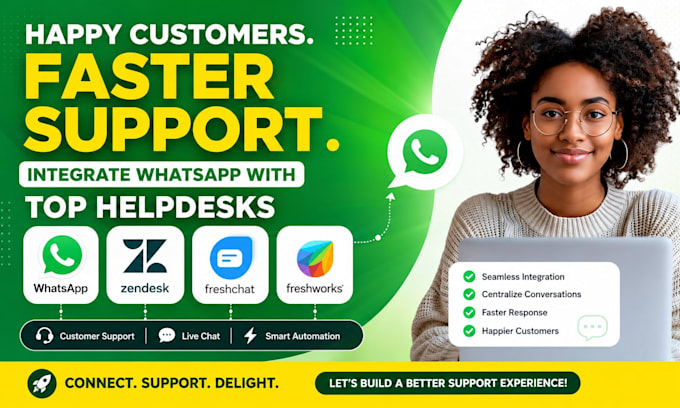
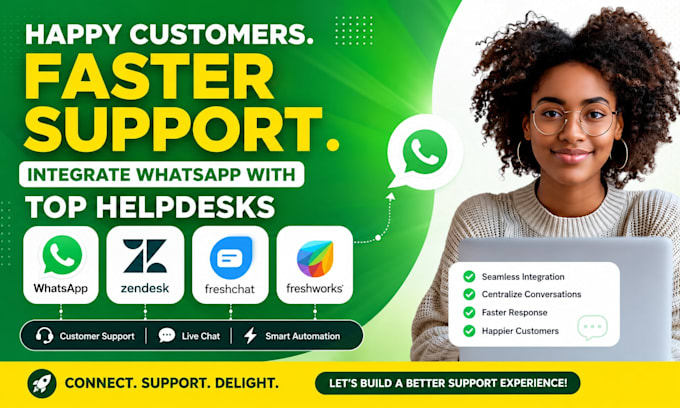
I'm a WhatsApp customer support integration specialist connecting WhatsApp Business API with Zendesk, Freshchat & Freshworks building automated ticketing and support workflows that turn every WhatsApp message into a trackable, assignable support ticket.
Services I offer:
Intercom, HubSpot Service Hub, Salesforce Service Cloud, Help Scout, Gorgias, LiveAgent, Twilio, Infobip, 360dialog, Gupshup, Zapier, Make
Message me NOW let's connect your helpdesk today!
Less manual work, More automation, Happier customers
Languages
What's the difference between using Zendesk, Freshchat, and Freshworks/Freshdesk for WhatsApp support?
Zendesk is a mature, widely-used ticketing platform strong on structured ticket workflows, SLA management, and reporting — good for teams needing robust ticket lifecycle tracking. Freshchat is Freshworks' live-chat-focused tool, built more for real-time conversational support with bots handling tier
Does every single WhatsApp message create a new ticket, or does it group into one conversation?
I configure it so a customer's ongoing WhatsApp conversation stays as one ticket/thread (not a new ticket per message), with new tickets only created for genuinely new issues — either a new conversation after a period of inactivity, or explicitly when a customer indicates a new topic.
How does customer context enrichment work — what information gets pulled in automatically?
When a WhatsApp message creates or updates a ticket, I configure the system to pull in existing customer data if available — order history, account status, previous ticket history, or CRM contact details — so the agent responding has full context immediately rather than asking the customer
Can the WhatsApp chatbot actually resolve issues, or does everything go to a human?
Both, depending on configuration. I set up the chatbot to handle common tier-1 questions (order status, business hours, FAQ-type queries) automatically, and configure clear escalation triggers — specific keywords, sentiment indicating frustration, or explicit requests for a human
How does SLA tracking work for WhatsApp specifically — does response time get measured differently than email?
I configure SLA timers based on your actual policy (e.g., first response within 15 minutes for WhatsApp vs. 4 hours for email, since customer expectations differ by channel), with automatic escalation or notification if a ticket approaches breach
What do you need from me to start — and how long before it's live?
Your WhatsApp Business API access (or I'll help set this up), admin access to Zendesk/Freshchat/Freshworks, and your current support workflow/routing rules. Timeline: Basic setup within 3 days; Standard with SLA and routing automation within 6 days; Premium multi-platform system within 10 days