Browse categories
Explore
Fiverr Pro
English
$
USD

Level 2


Want a personal AI assistant running 24/7 on your own serverhandling emails, automations, and tasks without relying on expensive cloud platforms?
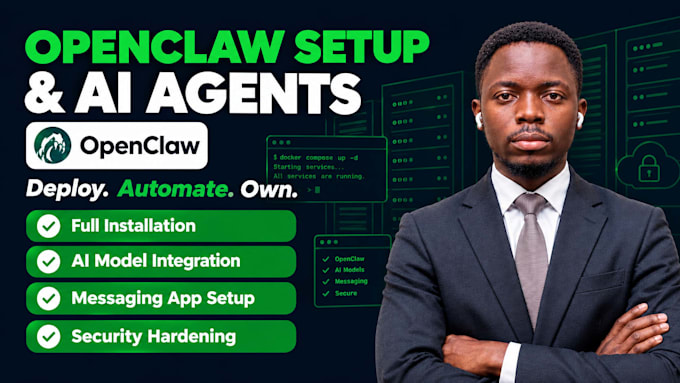
I'll deploy OpenClaw (the open-source AI agent framework) on your VPS or local PC, fully configured, secure, and ready to automate your workflow. Your data stays on your server. You own everything.
What I deliver:
Included in every project:
Why choose me?
Ready to own your AI assistant? Send your requirements!! let's deploy your Openclaw setup
Full Service Digital Solutions, Automation, Design, AI Content Solutions
Level 2
Languages
What's the difference between VPS and local PC deployment?
VPS: Runs 24/7 on a remote server ($5-20/month). Best for always-on automation, multiple users. Local PC: Runs on your computer—free but only when powered on. Choose VPS if you need 24/7 uptime; local if you're testing. I set up both.
Is my data really private and secure on my own server?
Yes. Your server = your data. Nothing goes to cloud platforms (unlike ChatGPT). I configure: API key protection, firewall rules, permission controls, no exposed ports. Your data never leaves your infrastructure. You have complete control and privacy.
What integrations and automations do you set up?
I configure 2-3 core integrations per package: email handling (Gmail, Outlook), messaging (Telegram, WhatsApp, Slack, Discord), calendar sync (Google Calendar, Outlook), task automation (Zapier, webhooks), browser automation. Additional integrations $50 each.
Can I integrate my own AI model or use local LLMs like Ollama?
Yes, absolutely. OpenClaw supports Claude, OpenAI GPT, Gemini, Llama via Ollama, and custom models via API. I'll configure whichever you choose. Local LLMs (Ollama) are free but slower—I can advise which fits your use case.
How do I control and access the AI assistant after you set it up?
I provide a complete walkthrough guide showing how to: send commands via Telegram/WhatsApp/Discord, monitor logs, add new tasks, adjust memory settings, and restart if needed. Most clients control it through Telegram for simplicity. No coding required.
What if something breaks after setup? Do you provide support?
Yes. 7-day post-launch support included, I troubleshoot any issues. After 7 days, ongoing support is $20-40/month for monthly updates, security patches, and optimization. Most clients are stable after setup and rarely need ongoing support.
Can you add more integrations or skills later?
Yes. After launch, you can request add-ons: new integrations ($50 each), new AI models ($25 each), or automation workflows ($75 each). You can also customize yourself using the documentation I provide. Easy to expand over time.