Browse categories
Explore
Fiverr Pro
English
$
USD
OBS Studio and Live Streaming Specialist
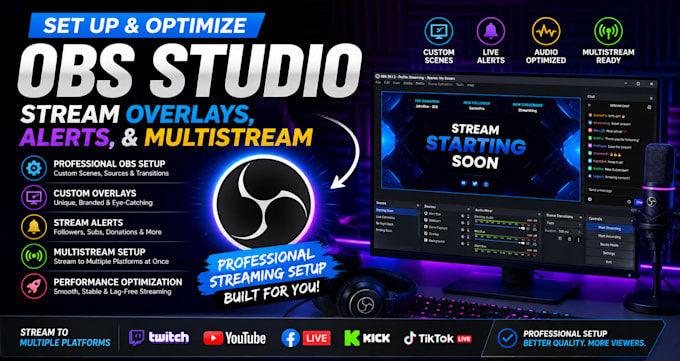
Professional OBS Studio Setup | Stream Overlays | Alerts | Multistream
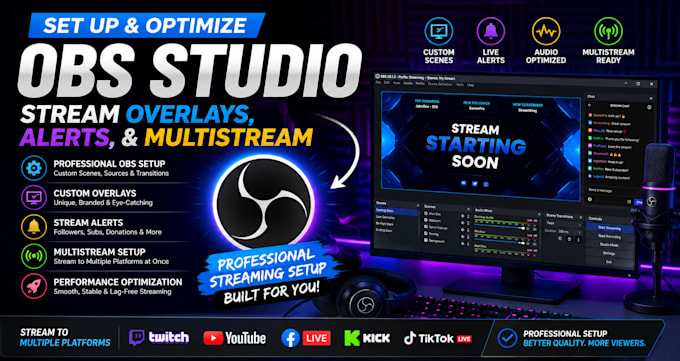
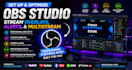
Take your live streams to the next level with a fully optimized OBS Studio setup. I will configure OBS Studio for smooth, high-quality streaming, customize your stream overlays, integrate alerts, and set up multistreaming for a professional broadcast experience.
Whether you're streaming on Twitch, YouTube, Kick, Facebook Live, TikTok Live, or other platforms, I'll ensure your stream is stable, visually appealing, and optimized for the best performance.
Services include:
I focus on delivering a clean, reliable, and professional streaming setup tailored to your needs.
Please contact me before placing your order to discuss your requirements and ensure the best results.
Software:
Streamlabs OBS
Platform:
•
Twitch
•
YouTube
•
Mixer
•
Kick
Purpose:
Gaming
•
Music
•
Lifestyle
•
Business
•
News
•
Streamshare
•
Webinar
1. What streaming platforms do you support?
I can set up OBS Studio for Twitch, YouTube, Facebook Live, Kick, TikTok Live, Trovo, Whatnot, and other streaming platforms.
2. Can you install custom overlays and stream alerts?
Yes. I can integrate your existing overlays, alerts, widgets, browser sources, and branding. If you don't have them yet, I can also help you choose or set up free options.
3. Can you improve my stream quality and fix lag?
Absolutely. I optimize your OBS settings, encoder, bitrate, resolution, FPS, and audio/video configuration to improve performance and reduce lag, stuttering, and dropped frames where your hardware and internet allow.
4. What do I need before placing an order?
Please send me: Your streaming platform (Twitch, YouTube, Kick, etc.) Your PC specifications Your OBS Studio version (if already installed) Any overlays, alerts, or branding files you want to use A description of what you want your stream to look like
5. Do you offer support after the setup is complete?
Yes. I'll make sure your OBS setup is working correctly before delivery, and I'll provide support according to the revision package you choose if any adjustments are needed.