Browse categories
Explore
Fiverr Pro
English
$
USD
Live Streaming Setup And OBS Specialist
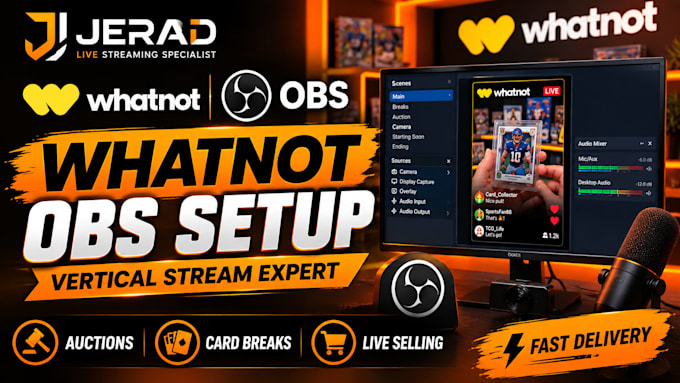
Need a professional OBS Studio setup for your Whatnot live streams, auctions, card breaks, or live selling events?
I'm Jerad, a Live Streaming Specialist who helps sellers, streamers, and collectors create clean, professional, and easy-to-use OBS Studio setups for Whatnot.
Whether you're hosting sports card breaks, collectibles auctions, live product sales, trading card streams, or your first Whatnot show, I will build and optimize your setup for a smooth streaming experience.
WHAT I CAN HELP WITH:
Why Choose Me?
My goal is to help you go live with confidence using a professional OBS Studio setup that is simple, reliable, and ready for auctions, card breaks, and live selling.
send me a message before ordering

Software:
OBS Studio
Platform:
•
Twitch
•
YouTube
•
Mixer
•
Kick
•
Other
Can you set up OBS Studio specifically for Whatnot?
Yes, I can configure OBS Studio for Whatnot vertical streaming, including scenes, resolution, camera, audio, overlays, and essential stream settings.
Can you set up OBS for card breaks and live auctions?
Yes, I can create a professional OBS setup for card breaks, auctions, collectibles, live selling, and other Whatnot streaming formats.
Can you fix my existing OBS or Whatnot setup?
Yes, I can troubleshoot and optimize existing OBS setups, including scenes, audio, video, streaming settings, and other configuration issues.
Do I need to provide my own overlays and graphics?
Not necessarily. If you already have overlays or graphics, I can integrate them into OBS. You can also discuss custom overlay requirements with me before ordering.
What do I need to provide before you start?
You should provide access to your OBS setup, your streaming requirements, and any existing graphics, cameras, microphones, or other equipment you want included.