Browse categories
Explore
Fiverr Pro
English
$
USD
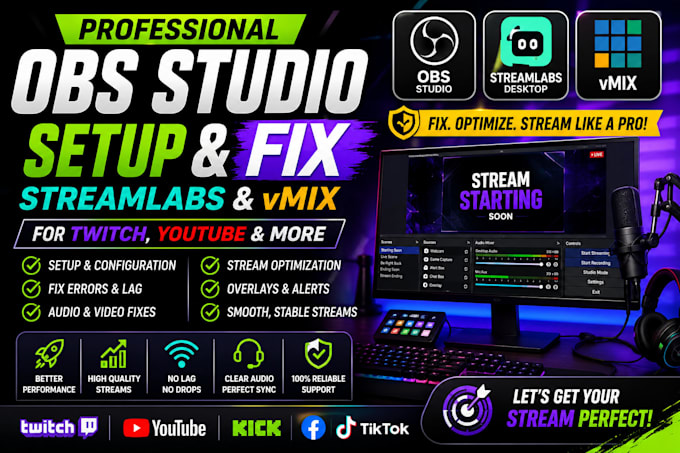
OBS, Streamlabs or vMix giving you problems? Stop wasting hours trying random settingslets get your streaming setup working properly!
I will set up, configure and troubleshoot OBS Studio, Streamlabs and vMix so you can stream or record with a cleaner, more stable setup.
What can be handled:
Whether you're dealing with lag, poor video quality, audio problems, missing sources, capture issues, or confusing settings, the goal is simple: get your setup configured correctly and ready to use.
Stop fighting with your streaming software. Place your order now and lets get your OBS, Streamlabs or vMix setup working smoothly!
Software:
OBS Studio
Platform:
•
Twitch
•
YouTube
•
Kick
Purpose:
Gaming
•
Music
•
Lifestyle
•
Business
•
News
•
Streamshare
•
Webinar
Can you set up and fix OBS Studio, Streamlabs and vMix?
Yes! I can set up, configure and troubleshoot OBS Studio, Streamlabs and vMix for streaming and recording, depending on the software and issue you need help with.
Can you fix OBS, Streamlabs or vMix audio and microphone problems?
Yes. I can troubleshoot microphone, desktop audio, echo, audio sync, monitoring, volume and other streaming audio issues.
Can you fix streaming lag, dropped frames and poor video quality?
Absolutely. I can optimize bitrate, encoder, FPS, resolution, output and performance settings to help improve streaming stability and video quality.
Can you set up scenes, sources, webcam and capture cards?
Yes! I can configure scenes, sources, game capture, display capture, webcam, camera, capture cards, overlays, alerts and browser sources.
Can you set up OBS, Streamlabs or vMix for Twitch and YouTube?
Yes. I can configure your streaming software for Twitch, YouTube, Kick, Facebook and other supported platforms, based on your setup and requirements.