Browse categories
Explore
Fiverr Pro
English
$
USD
Expert visual communication
Are you a gamer or content creator struggling with OBS lag, dropped frames, blurry video, or audio sync issues?
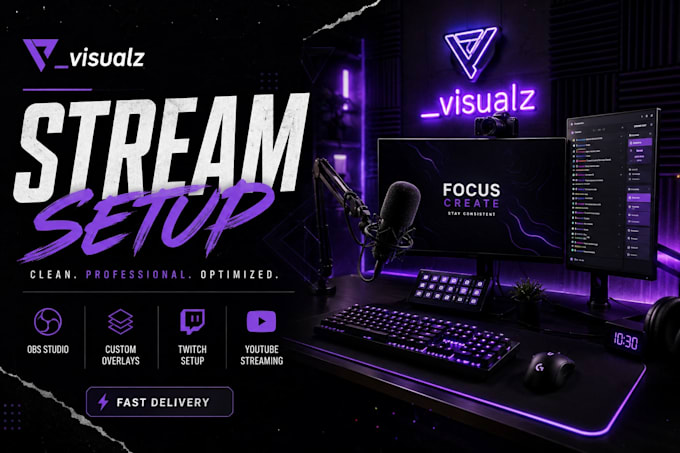
I'm an expert live streaming specialist with hands-on experience setting up and optimizing OBS Studio, Streamlabs OBS, and vMix for gamers, streamers, and content creators worldwide. Whether you're starting your first Twitch stream or scaling up to multiplatform, I'll get your stream running like a pro during a live remote session via TeamViewer or AnyDesk so you see every step in real time.
I specialize in gaming streams from low-end PC optimization and console capture card setup (PS4, PS5, Xbox + Elgato, AVerMedia, Razer) to dual PC NDI configurations for top-tier production quality.
WHAT I'LL DO FOR YOU
Full OBS Stream labs vMix setup from scratch Fix lag, dropped frames & buffering, source, camera & mic configurationAudio filters noise gate, compression, EQBitrate, encoder & resolution optimizationOverlay, alerts & chat bot integration Console + capture card setup (PS5, Xbox, Elgato)Multistream setup (Twitch + YouTube + Kick at once)Dual PC & NDI configurationFull test run & walkthrough before delivery


Software:
OBS Studio
Platform:
•
Twitch
•
YouTube
Purpose:
Gaming
•
Music
•
Lifestyle
•
Business
•
News
•
Streamshare
•
Webinar
I'm a beginner can you set up OBS completely from scratch?
Absolutely. Most of my clients are first-time streamers. During our live session, I'll install OBS, configure your scenes, camera, mic, and connect everything to your platform so you're 100% ready to go live with zero guesswork.
My stream has dropped frames, lag, or blurry video can you fix it?
Yes, this is my most common request. I'll analyze your encoder settings, bitrate, resolution, and FPS and optimize them specifically for your PC hardware and internet upload speed. Most issues are fully fixable in a single session.
How do we work together? Do I need to share my screen?
We work live via TeamViewer or AnyDesk I connect remotely while you're on a voice call with me, so I can walk you through every change I make. You'll know your setup inside out by the end of the session.