Browse categories
Explore
Fiverr Pro
English
$
USD
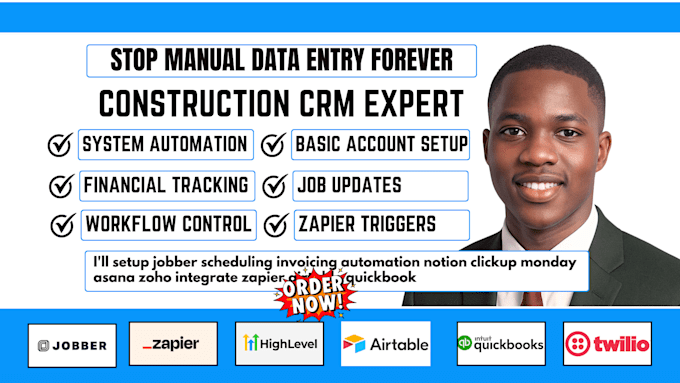
Construction CRM The Automation Systems Built for Job Accuracy
JOBBER | SCHEDULING & INVOICING AUTOMATION | TWILIO | AIRTABLE | QUICKBOOKS
Hello business owner,
I help service businesses simplify daily operations by setting up automated systems that handle bookings, invoices, payments, and client updates without manual work.
This service connects Jobber with Twilio, Airtable, and QuickBooks to create a reliable workflow that keeps jobs organized, invoices accurate, and records up to date.
From client scheduling to payment tracking, everything is mapped correctly so your team spends less time on admin work and more time delivering services.
Here's what my service includes:
If you want a system that runs smoothly without constant follow-ups or manual entries, message me or place your order now to get started.



Software:
Jobber
Do you need admin access to my Jobber account?
Yes—I'll need admin-level access to configure scheduling rules, automation triggers, and integrations. All credentials stay secure and can be updated post-project.
Will my existing QuickBooks data be affected?
No. The sync is additive only—I map new invoices forward. Existing records are untouched unless you request a data migration.
Can Twilio send both SMS and voice call reminders?
Yes. I build both SMS sequences and voice drop flows inside Twilio Studio, triggered by Jobber job status changes.
What if I use a different CRM instead of Airtable?
I work with Zoho, HubSpot, Monday, ClickUp, and Notion. Message me and I'll confirm compatibility before you order.
Is this scalable if I add more crews or locations?
Built for scale from day one. Multi-location, multi-crew Jobber setups are standard—routing rules and dashboards adjust as you grow.