Browse categories
Explore
Fiverr Pro
English
$
USD
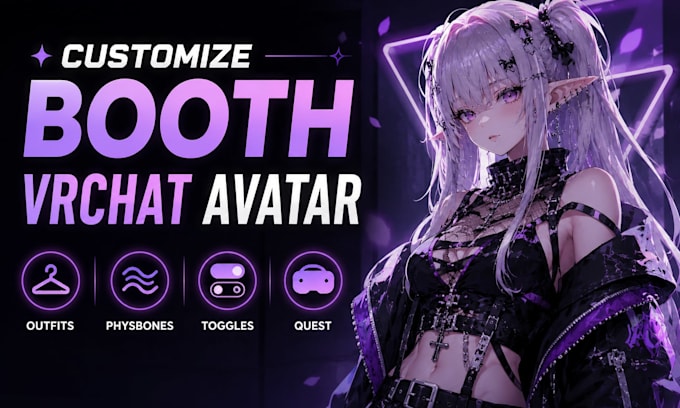
Hi and welcome! If you need a complete VRChat avatar setup for both PC and Quest, you're in the right place.
I will professionally set up and optimize your VRChat avatar using VRCFury, GoGo Loco, PhysBones, expression menus, toggles, and other essential features to make it smooth, functional, and ready for use in VRChat.
My service can include:
I focus on clean setup, stable performance, and proper organization so your avatar works smoothly in VRChat.
Send me your avatar files and requirements, and I'll help you get everything properly set up and ready to use.
Please inform the freelancer of any preferences or concerns regarding the use of AI tools in the completion and/or delivery of your order.
3D Characters Avatars Miniatures and Game Animation
Languages
What files do you need to start?
Please send your avatar Unity package, model files, and details of the features you want added.
Can you make my avatar work on both PC and Quest?
Yes, I can set up and optimize your avatar for both PC and Quest where the avatar assets allow it.
Can you set up VRCFury and GoGo Loco?
Yes, I can configure VRCFury, GoGo Loco, menus, parameters, toggles, and related avatar features.
Can you fix PhysBones and avatar toggles?
Yes, I can adjust PhysBones, repair broken toggles, and organize expression menus and controllers.
Can you optimize an existing VRChat avatar?
Yes, I can improve performance, reduce unnecessary components, and prepare the avatar for smoother VRChat use.
